Tiramisu photography with creamy layers and soft shadow
Velvet mascarpone, defined sponge layers and a dusting of cocoa — relit from your own slice.
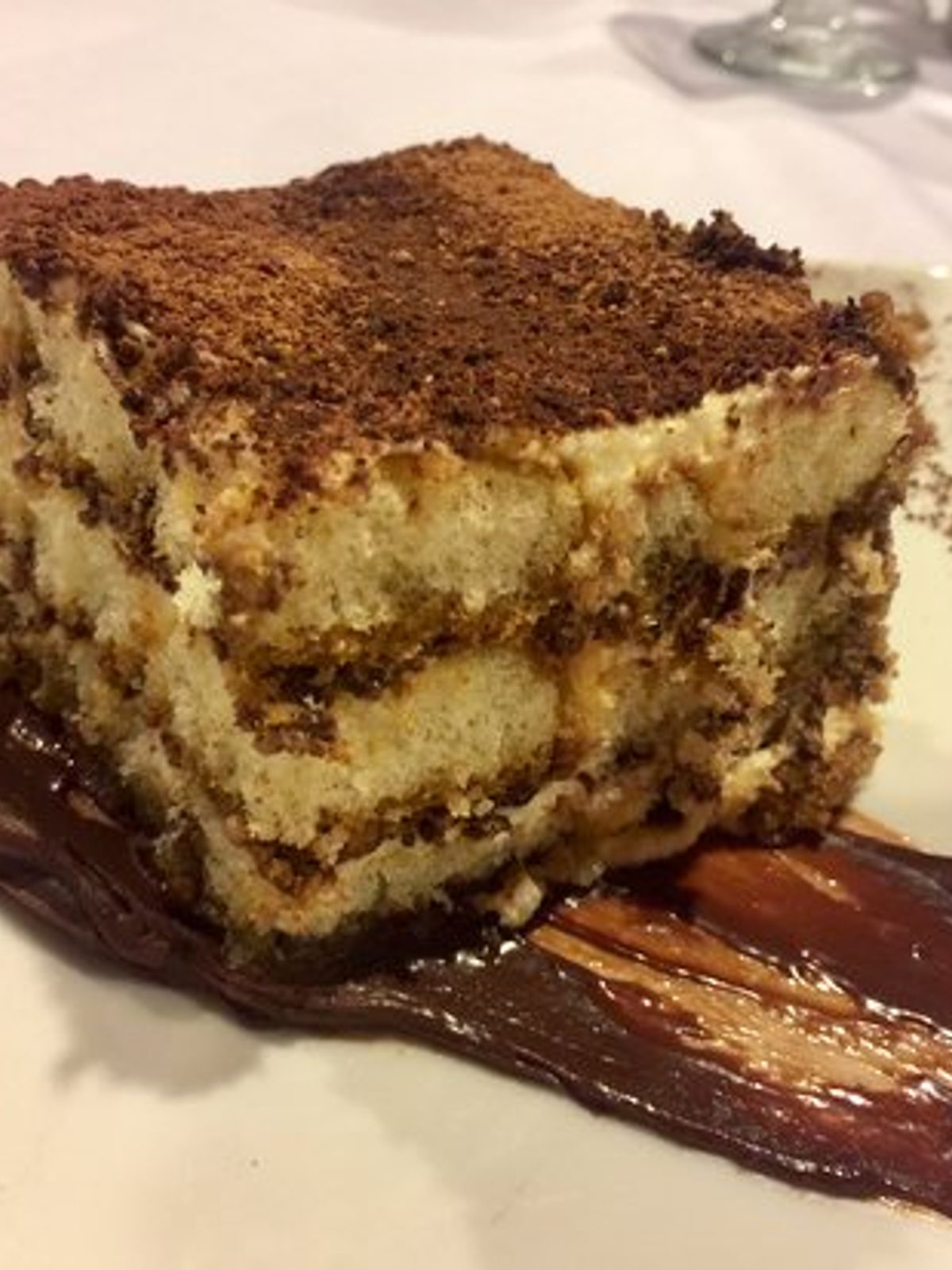
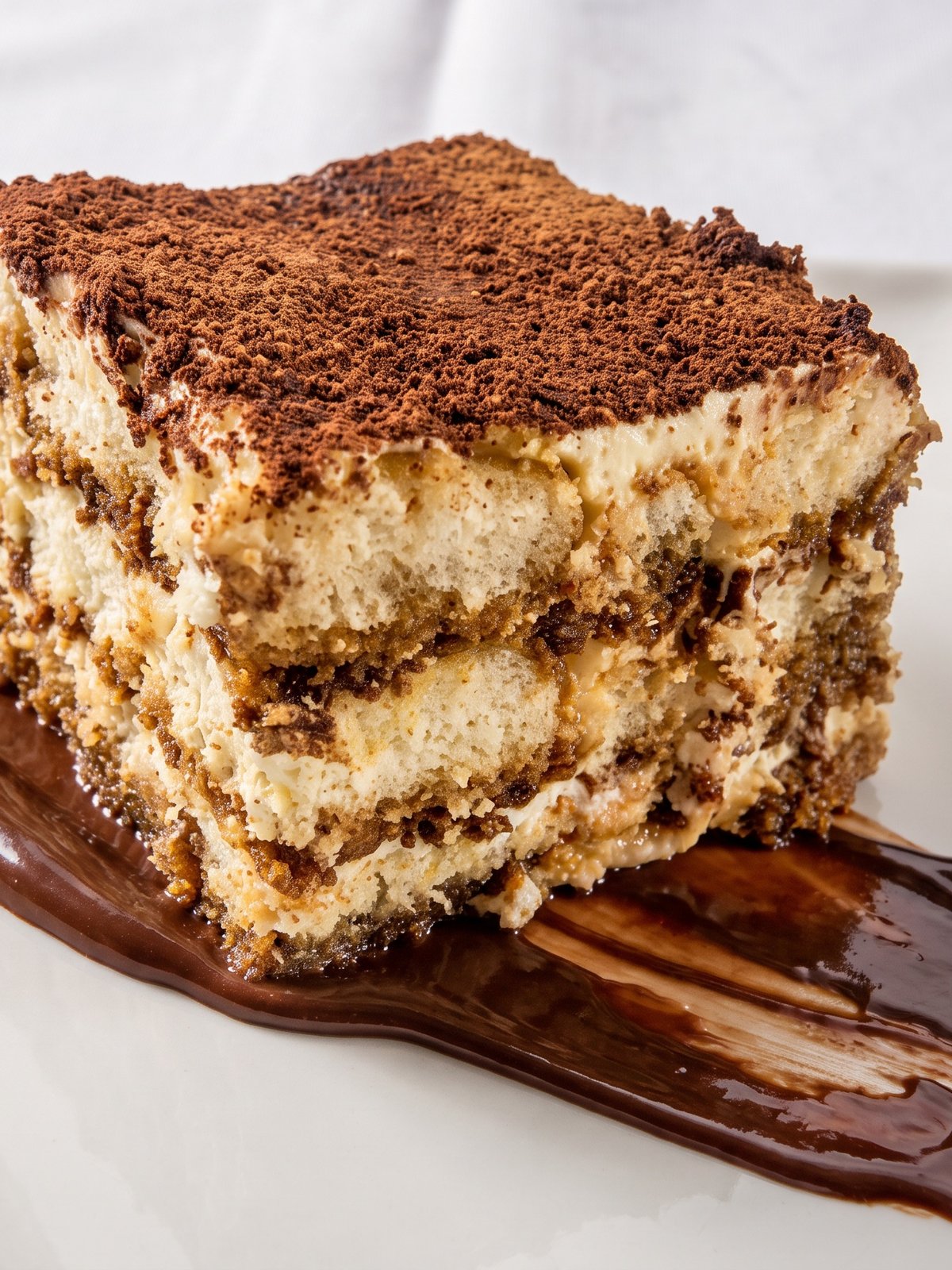
Tiramisu is a study in subtlety, which is exactly why it is so hard to shoot. The whole dessert sits in a narrow band of browns and creams, so flat light turns it into a muddy beige block with no layers visible. The cocoa dust on top either blows out to grey or vanishes into shadow, and the soft, spoonable texture of the mascarpone reads as solid and heavy. A phone photo under restaurant light rarely separates the sponge from the cream. PlateRefresh relights your actual slice with gentle, raking light that carves out the layers, warms the mascarpone to a creamy tone, and brings the cocoa dusting back as fine, even texture — without adding a single thing to the plate.
Cocoa dust that reads as fine texture
The cocoa layer is the signature, and it is fragile in photos. Too much light and it washes out flat grey; too little and it goes black. PlateRefresh sets a soft, even key so the cocoa reads as fine, matte powder with subtle relief, the way it looks dusted fresh. It never adds more dusting than your plate has — it simply lights the cocoa already there so it survives the photo.
Layers and creamy mascarpone
Tiramisu sells on its cross-section: alternating sponge and cream. Frontal light flattens those stripes into one tone. A gentle raking light from the side rebuilds the layers, casting just enough micro-shadow to define each band while keeping the mascarpone soft and velvety rather than glossy or stiff. The dessert looks spoonable. Your portion, your layering, your dusting — all preserved exactly as plated.
Soft shadow for an elegant dessert listing
Desserts are an impulse add-on at checkout on Wolt, Glovo and Uber Eats, so the photo has to feel indulgent in a thumbnail. PlateRefresh finishes the tiramisu with a soft, diffused shadow under the plate that grounds it and reads as quiet and premium. Upload your phone shot, get a clean menu image in about thirty seconds, and turn a hard-to-shoot dessert into your most tempting listing.
Phone in, menu shot out.
Snap it
Take a phone photo of the real dish — straight off the pass.
Relight & refine
We relight and lightly enhance the food you actually cooked — sharper texture, fresher look. Nothing added, nothing faked.
Ship it
Download in ~30 seconds and upload it to your menu.
Good to know.
My tiramisu looks like a brown blob in photos. Can this help?
Yes — that flat brown look is caused by even, frontal light. PlateRefresh applies raking side light that carves out the sponge and cream layers, so the same slice suddenly shows its structure and reads as a proper layered dessert.
Will it add more cocoa or extra cream to make it look richer?
No. The cocoa dusting and cream you photographed are all that appear. The AI relights and defines what is on the plate but never adds garnish or extra cream, so the menu photo matches the dessert you actually serve.
Does it work for tiramisu served in a glass or jar?
Yes. Whether the tiramisu is a cut slice, a layered glass, or a jar, the relight defines the visible layers through the side light and brings out the cream and cocoa tones in whatever vessel you uploaded.
Can I try it before paying for a subscription?
Yes. Test Mode is a one-time $9.99 and includes several photos, so you can relight your tiramisu and a couple of other desserts before committing to a monthly plan.
Your next menu photo is one shot away.
No subscription to start. Test Mode is a one-time $9.99 — relight your real dishes and see them on your menu today.
Start for $9.99