Caesar salad menu photography that looks fresh-picked
Crisp leaves, shaved parmesan and golden croutons — relit from your own plate, never reinvented.
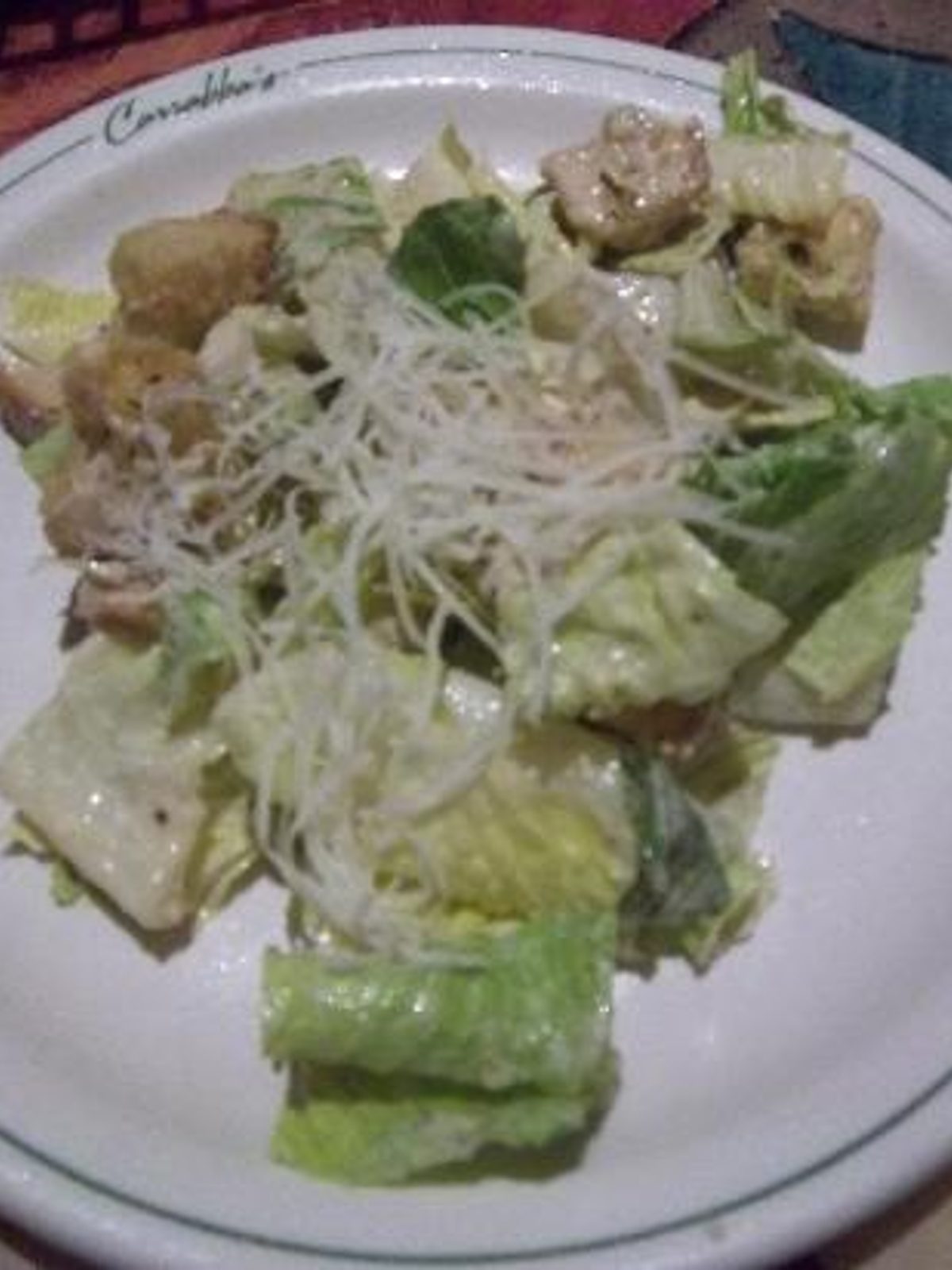
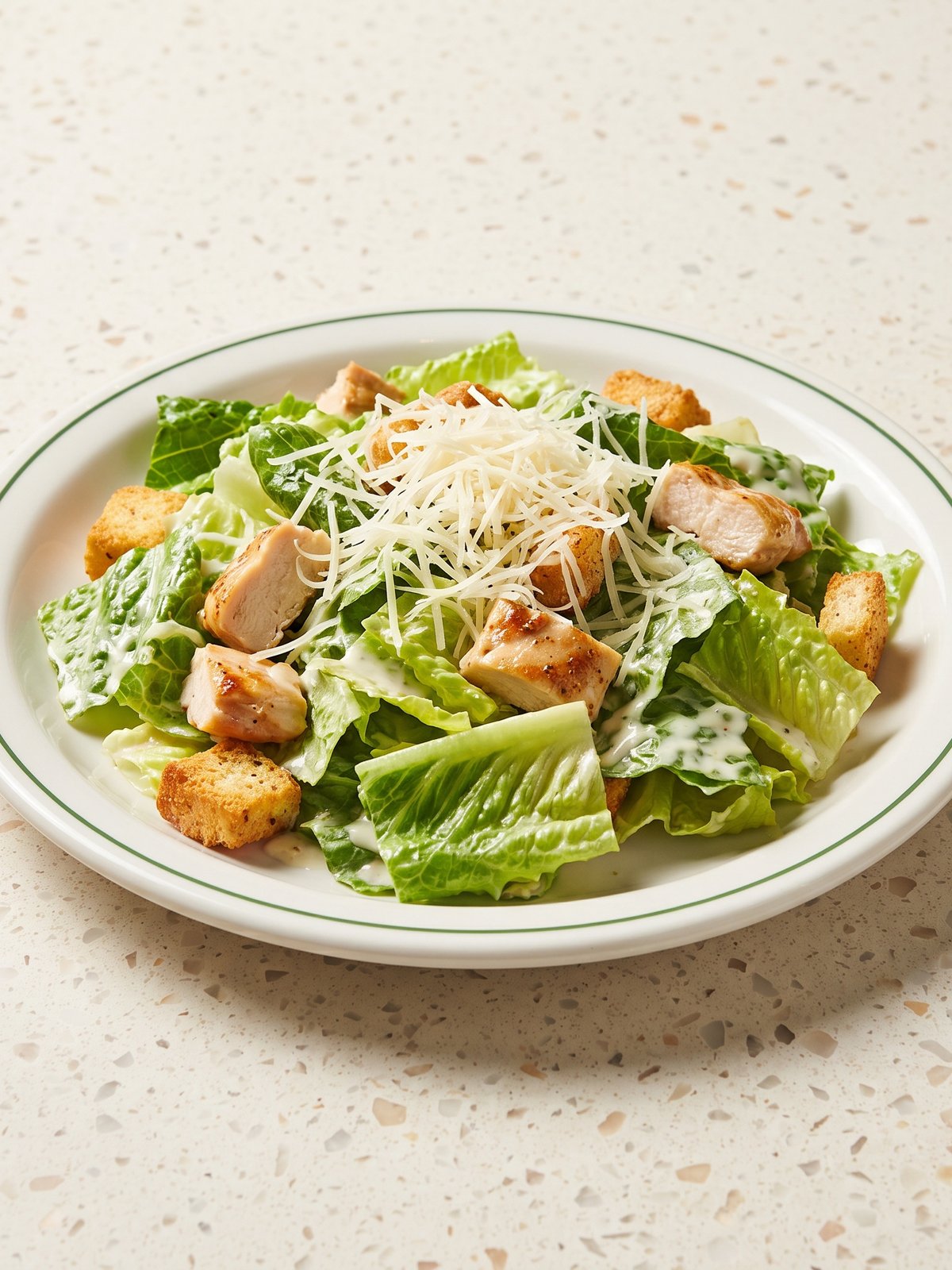
A Caesar salad is one of the hardest dishes to shoot well. Romaine wilts under hot lights within minutes, dressing turns the leaves shiny and flat, and croutons disappear into the bowl in dull kitchen light. Shoot it on a phone and you usually get a tired, grey-green pile that reads as limp rather than crunchy. PlateRefresh works from a photo of the salad you actually plate. It relights the real bowl — lifting the green of the romaine, separating the croutons, catching the edge of every parmesan shaving — without inventing extra leaves or sprinkling on garnishes that were never there. The salad customers receive is the salad they see.
Keeping leaves crisp, not wilted
Wilted romaine is the number-one reason salad photos fail. The trick is light direction, not extra props. PlateRefresh adds a clean, slightly cool key that brings back the deep green and the waxy sheen of fresh leaves, then lifts shadow detail so the bowl reads layered and full. No leaf is added or removed — your portion size stays honest. The result looks like it was tossed seconds before the shot.
Croutons, parmesan and dressing texture
Caesar lives on contrast: matte croutons, glossy dressing, translucent parmesan curls. Flat phone light collapses all three into one tone. The relight rebuilds that separation — warm highlights on the toasted bread, a soft catch on the dressing, crisp edges on each shaving. Nothing new is sprinkled in; the model only sharpens the texture and colour already on the plate so the salad looks as good as it tastes.
Built for delivery menus
On Wolt, Bolt Food and Uber Eats a salad competes against burgers and pizza for the tap. A bright, crisp Caesar that clearly shows fresh romaine and real parmesan earns that tap. Upload your phone shot, get a clean menu image in about thirty seconds — in the shape each platform asks for, 16:9 for Wolt and a square for Glovo — and drop it straight into your listing. Uber Eats reports up to 88% higher monthly sales when every item has a photo.
Phone in, menu shot out.
Snap it
Take a phone photo of the real dish — straight off the pass.
Relight & refine
We relight and lightly enhance the food you actually cooked — sharper texture, fresher look. Nothing added, nothing faked.
Ship it
Download in ~30 seconds and upload it to your menu.
Good to know.
Will the AI add extra croutons or leaves to my salad?
No. PlateRefresh never adds ingredients. It relights and colour-corrects the exact bowl you photographed, so the portion, the number of croutons and the amount of parmesan all stay true to what you actually serve customers.
My romaine looks wilted in photos. Can this fix it?
It can revive how fresh the leaves read by restoring green colour and crisp highlights through relighting. It works best on a salad that was genuinely fresh when photographed — it enhances real freshness rather than faking it.
Is this compliant with delivery platform photo rules?
Yes. Because the image stays true to the real dish and adds nothing, it meets the honesty requirements of platforms like Wolt, Uber Eats and Deliveroo, which prohibit photos that misrepresent the food served.
How much does one Caesar salad photo cost to try?
You can start with Test Mode for a one-time $9.99, which includes several photos. That is enough to relight your Caesar plus a few other menu items before deciding on a plan.
Your next menu photo is one shot away.
No subscription to start. Test Mode is a one-time $9.99 — relight your real dishes and see them on your menu today.
Start for $9.99