From kitchen pass to menu tile
in about a minute.
PlateRefresh turns a phone photo of a real dish into a studio-grade menu image in 30–60 seconds. You shoot the plate, the system rebuilds the lighting and background around it, and you download a 2K JPG that's ready for Wolt, Bolt Food, Glovo, Uber Eats, Deliveroo, DoorDash or Instagram. The dish itself never changes — same ingredients, same plating, same portion — because customers order what they see, and what they see has to be what arrives.
Here's the full walkthrough, including the parts where people usually trip up.
The same dish, before and after
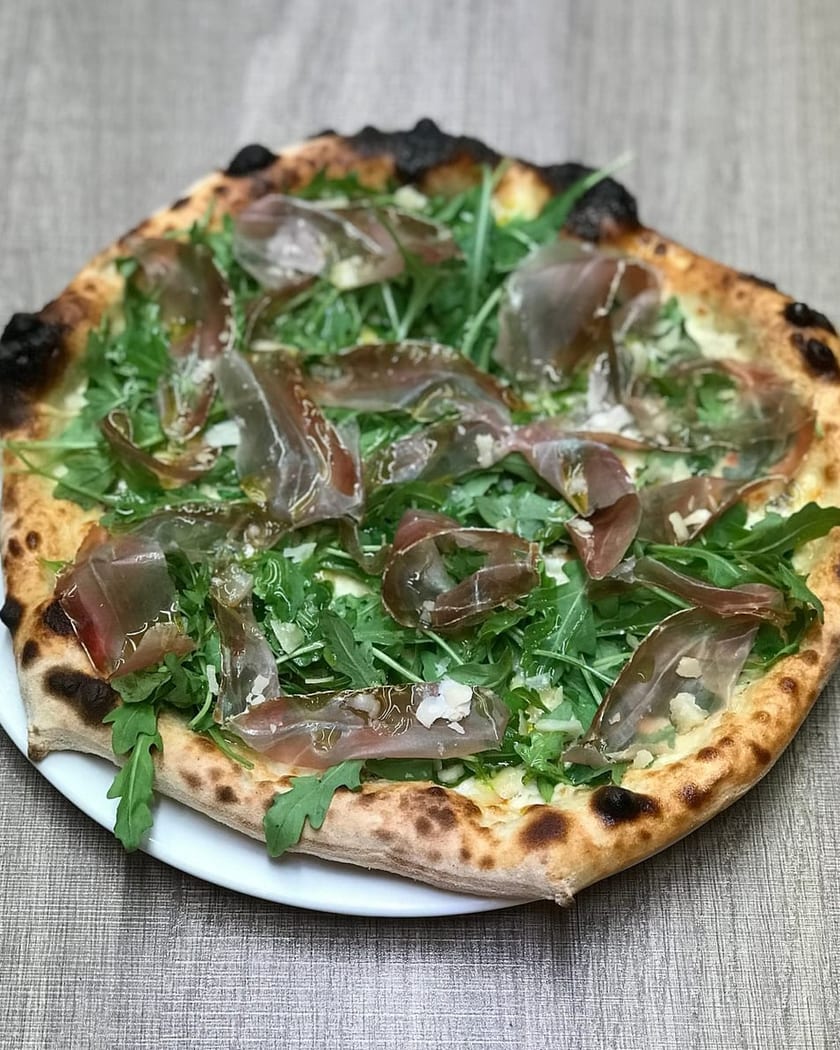
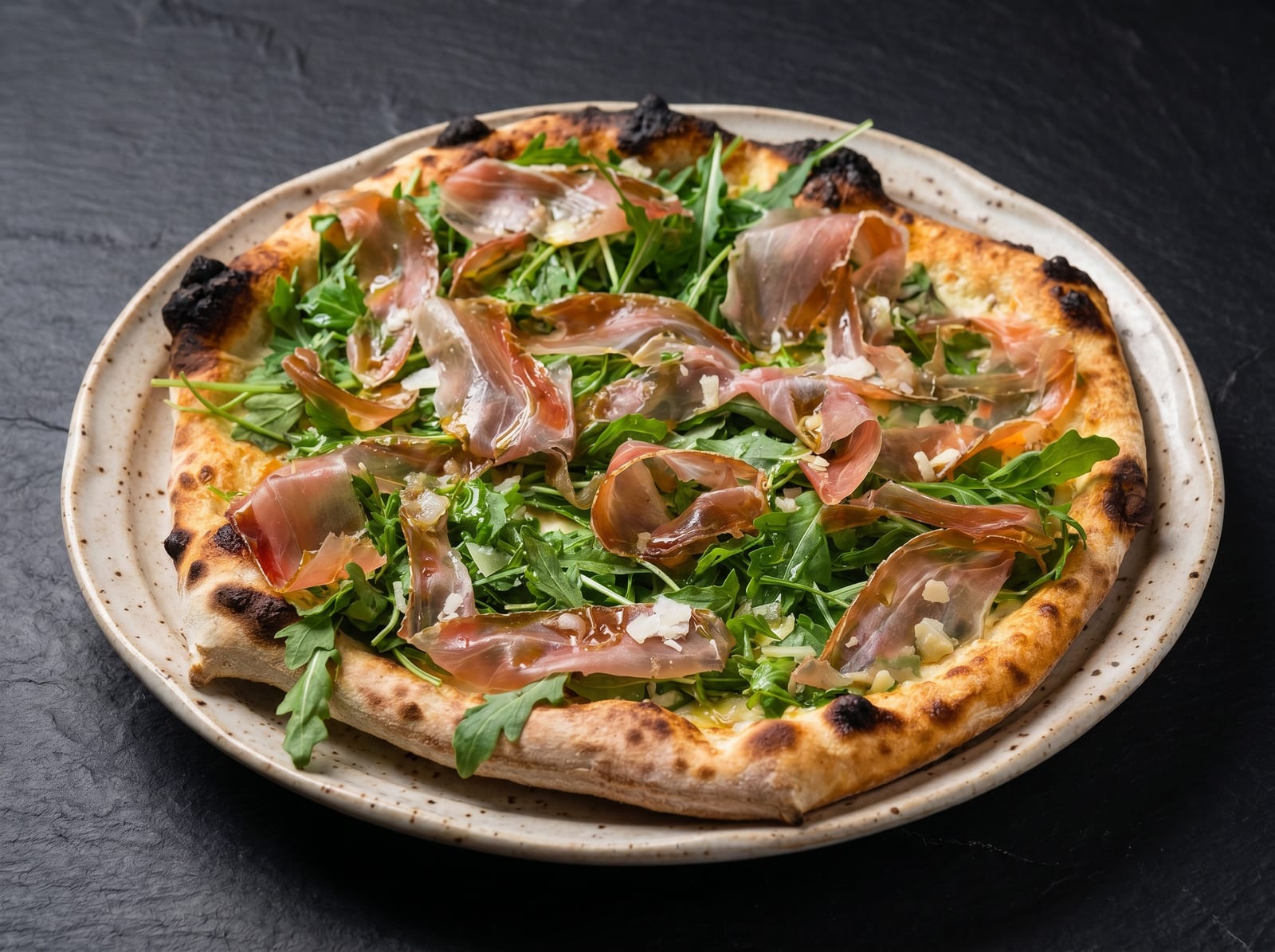
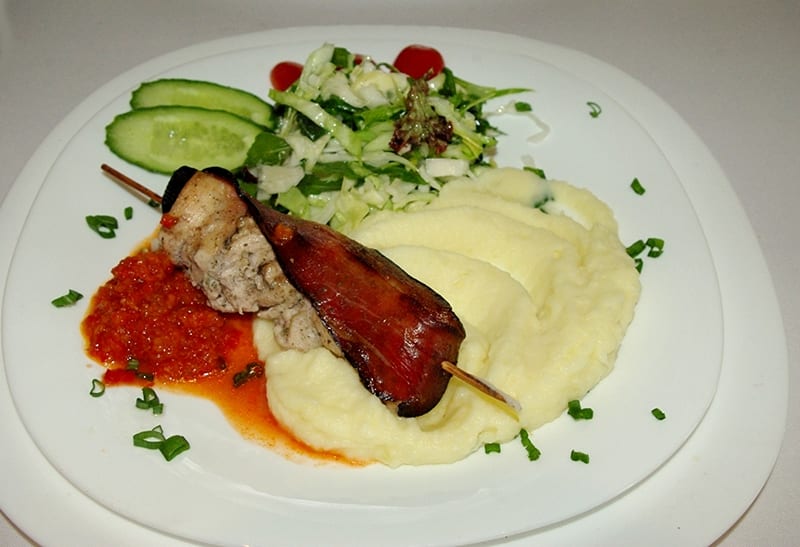
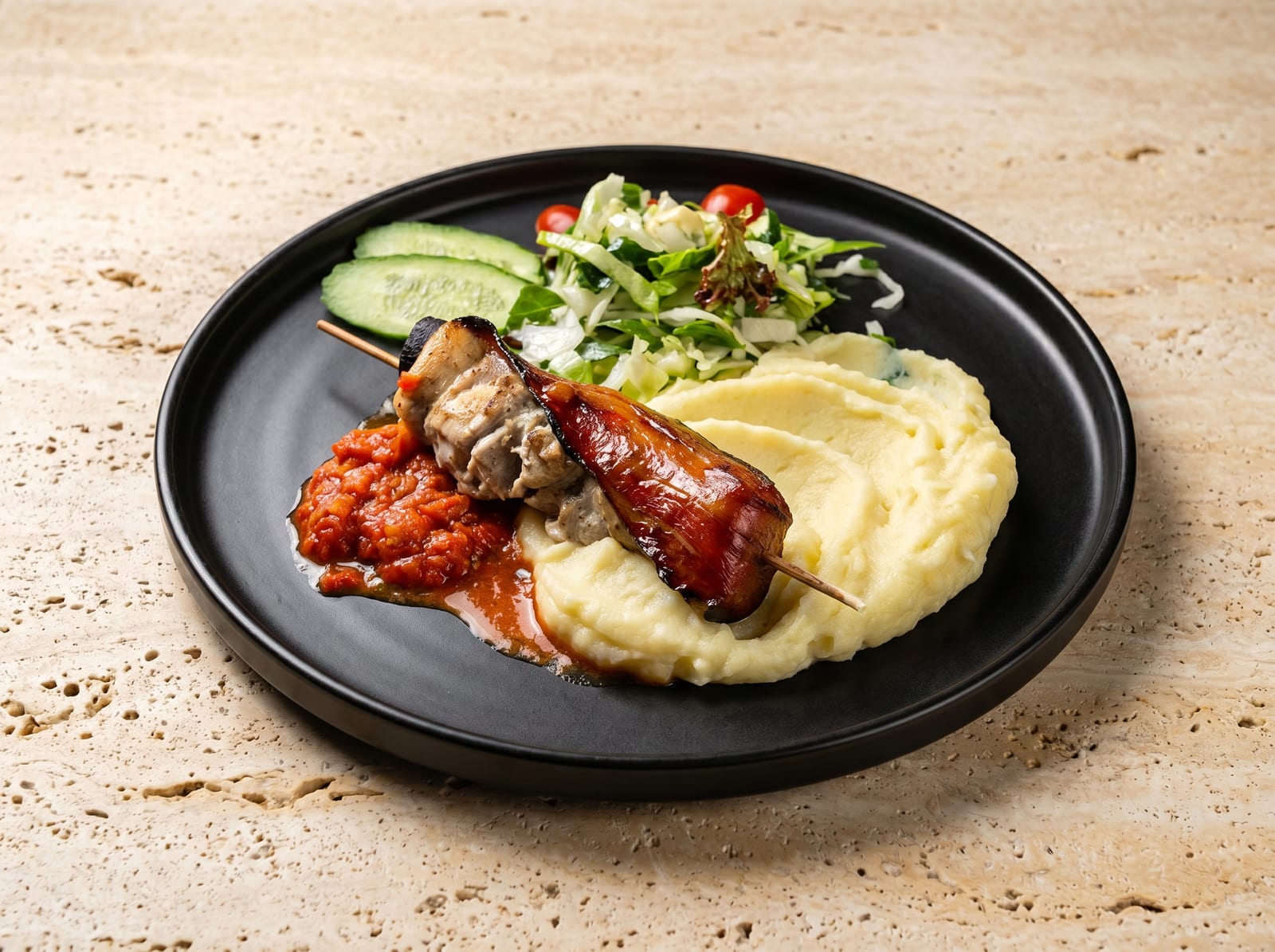
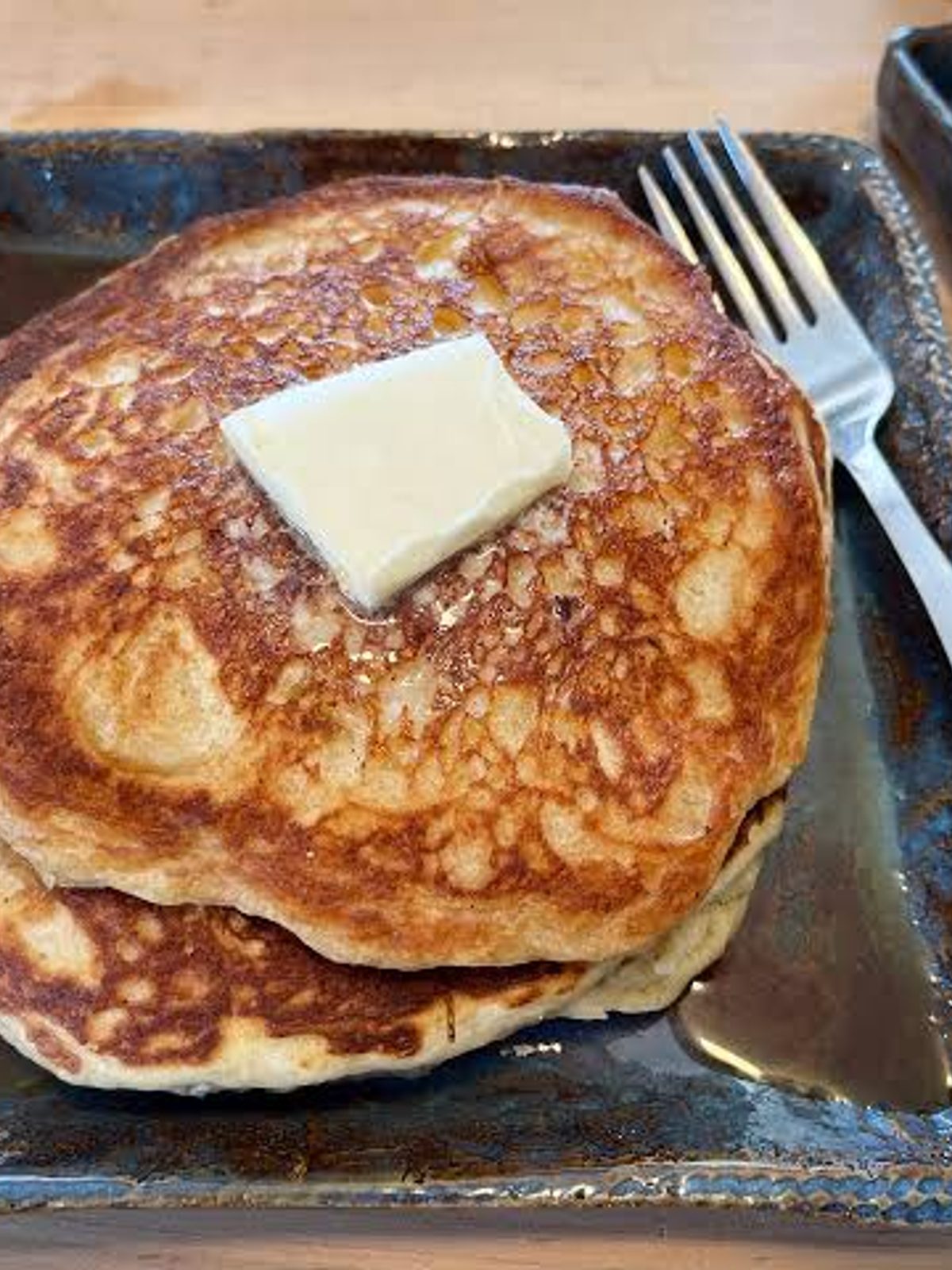
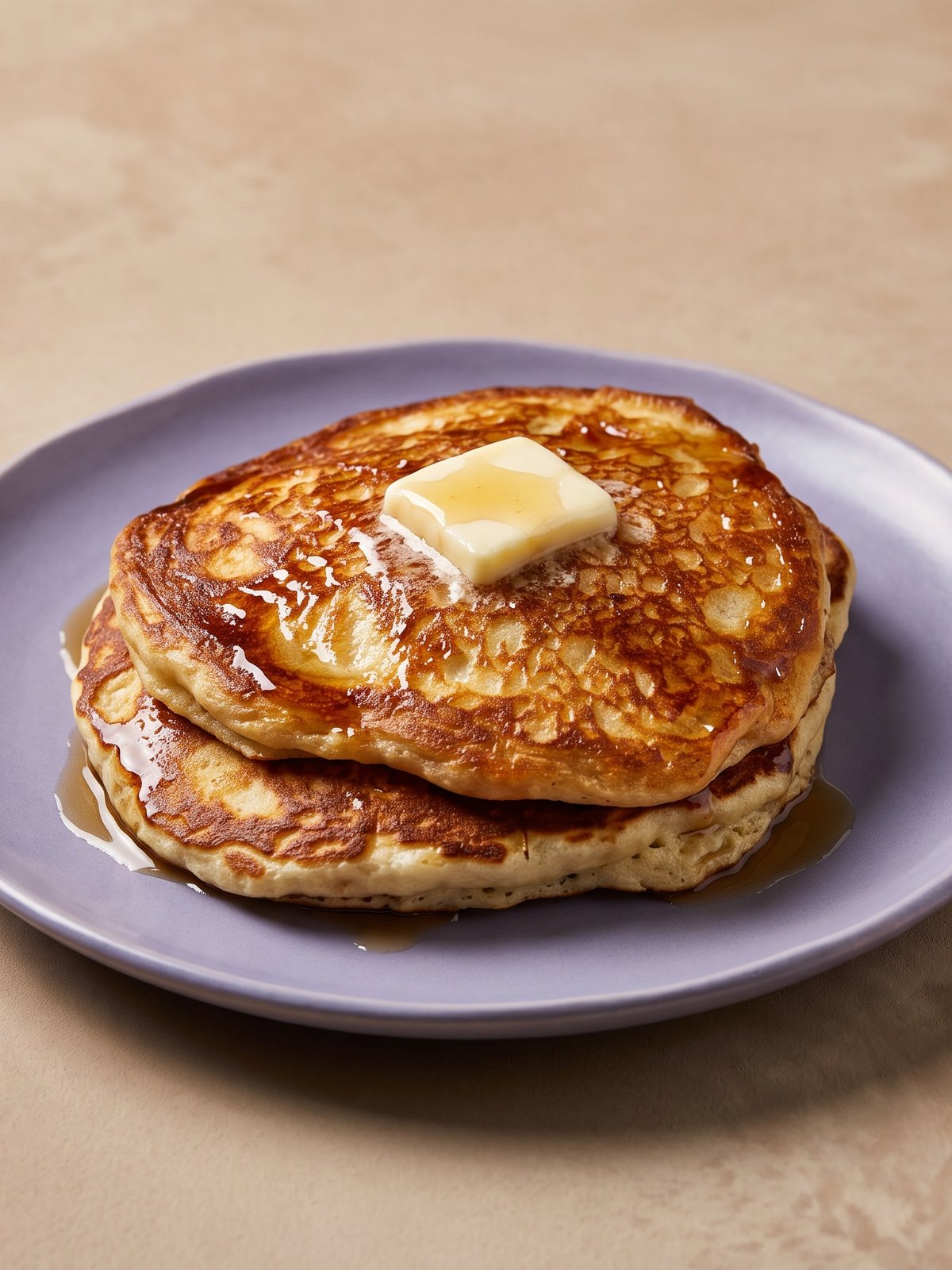
Unretouched phone photos on the left, the PlateRefresh output on the right. Same plate, same portion, same garnish — only the light and background change.
Shoot the dish (30 seconds, any phone)
Take the photo right at the pass, before the dish goes out. You don't need a light kit, a tripod, or a food stylist — you need three things:
- Focus. Tap the dish on your screen before shooting. A sharp bad photo is fixable; a blurry good one isn't.
- Light from a window or overhead. Kitchen fluorescents are fine. What kills photos is shooting against a bright window so the dish becomes a silhouette.
- The whole plate in frame, with a little air around it. We need edges to work with.
Shoot from the angle the dish deserves: straight down for pizza, flatbreads and bowls; about 45° for burgers, stacks, and anything with layers. If you're not sure, take both — uploads are cheap.
What I see go wrong most often, after years of shooting food for restaurants: people photograph the dish ten minutes after plating, when the glaze has gone matte and the herbs have wilted. Shoot it the second it's ready. That's the one thing no software can give back.
Upload one photo or the whole menu
Drag your photos into the dashboard — one dish or up to 50 in a single batch. A typical full menu (say, 35 items) uploads in under a minute on restaurant Wi-Fi and processes in parallel, so you're not waiting per-photo. JPG, PNG, WebP and HEIC straight off an iPhone all work.
One credit covers one photo at 2K. If a generation fails or comes out unusable, the credit returns to your account automatically — you never pay for a miss. See how credits work →
Lock your brand kit (do this once, skip it forever after)
A brand kit is photos of the actual plates, tabletops and surfaces from your restaurant, saved once and applied to every shot. This is the difference between a menu that looks like one restaurant and a menu that looks like twelve stock photos stitched together — and customers can smell stock photos.
Photograph 2–3 of your real plates and your table surface in decent light, upload them to the kit, name it, done. Every future generation pulls from those exact props. Starter plans include 1 kit, Pro has 3, Studio is unlimited; most single-location places need exactly one. Multi-location operators usually run one kit per brand, not per location.
Skipping this step still works — you'll get clean neutral styling — but the kit is what makes 40 photos look like a photographer shot them in one session.
Review, pick, download
Each photo comes back in 30–60 seconds. Look at it next to the original (the comparison view shows both) and ask one question: would the customer recognize this dish when the box arrives? If yes, download. If something's off, regenerate — same dish, new lighting pass.
Downloads come as 2K JPGs by default, which exceeds the minimum image requirements of every major delivery platform. Need print or large-format? 4K costs 2 credits per download.
Publish to the platforms
Upload the finished images through each platform's merchant tools: Wolt Merchant, Bolt Food Provider Portal, Glovo Partner, Uber Eats Manager (Menu Maker), Deliveroo Hub. Two practical notes from doing this many times:
- Uber Eats reviews photos manually and approval takes 3–5 days, so don't publish the new menu announcement before the photos clear. Their reviewers mostly reject for framing — dish off-center or cropped at the edges — which our output avoids by default, but worth knowing.
- Cover every item, not just the heroes. Uber's own merchant data shows restaurants with photos on all menu items see up to 88% higher monthly sales, and photo coverage feeds into their Success Score, which controls your visibility in the app. A bare item is a quiet leak.
Then do the same shot once more for Instagram while you're at it — the 2K file crops cleanly to square.
What PlateRefresh will not do (worth saying out loud)
It won't invent a dish you don't serve, add ingredients that aren't on the plate, inflate portions, or “fix” a dish that genuinely looks unappetizing in real life. That's not a technical limitation, it's the rule the product is built around — delivery platforms require images to accurately represent the item, and a beautiful lie costs you one-star reviews faster than an ugly truth. If your dish needs replating, replate it and shoot again. Takes two minutes and the photo will be honest.
Try it on your worst photo
Seriously — dig out the darkest, flattest phone shot in your camera roll. Test Mode is $9.99 one-time, no subscription, full commercial license. If it can't make that photo work, you've lost the price of a coffee and you'll know.
Start with Test Mode — $9.99