Butter chicken photography with rich, glossy sauce
Relight your real curry so the sauce glows orange, the sheen returns and the colour stays honest.
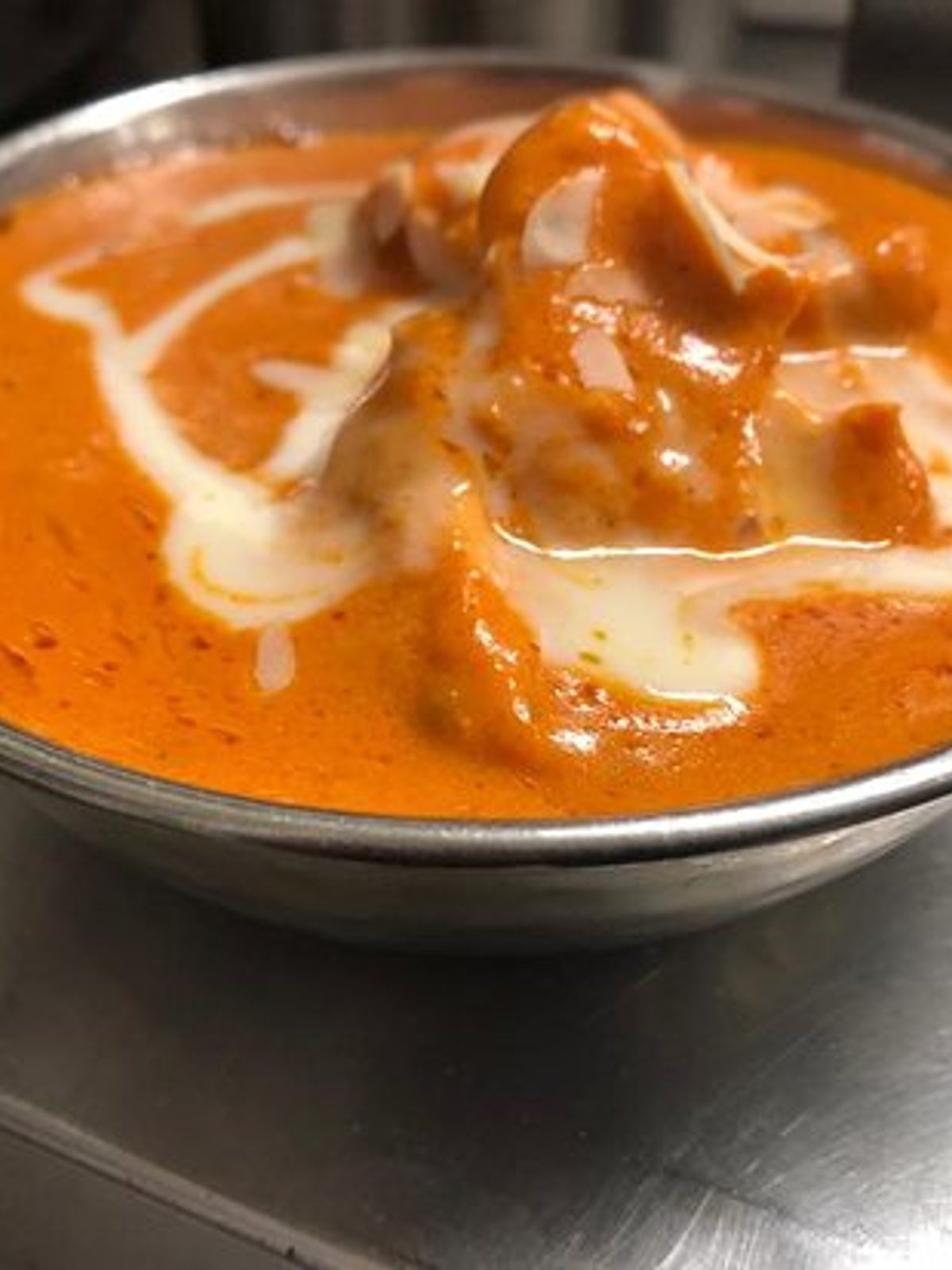
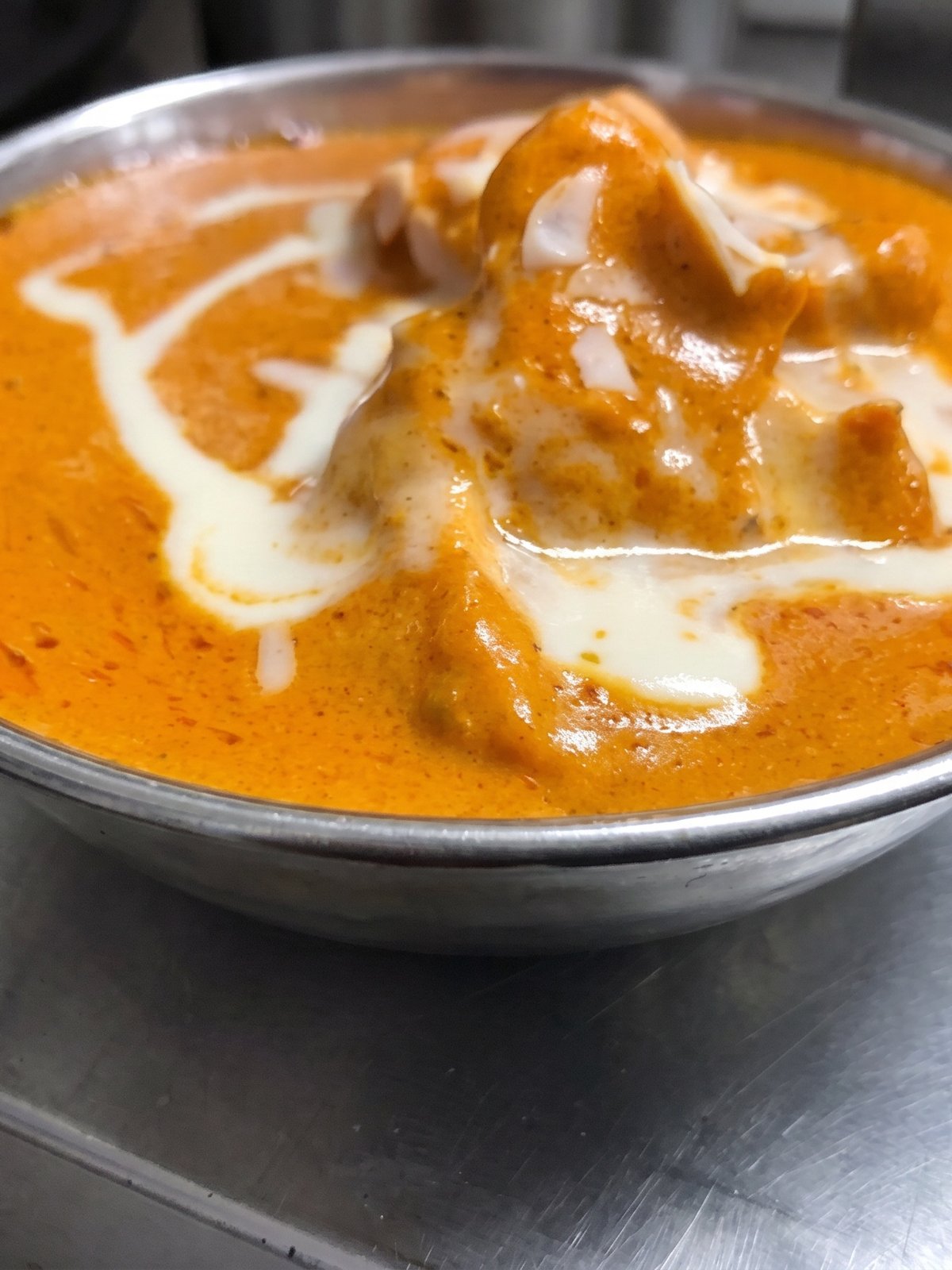
Butter chicken is a single field of sauce, which sounds easy and is anything but. Its whole identity is colour and sheen: a deep, warm orange tomato-cream gravy with a glossy surface and maybe a swirl of cream and a scatter of coriander or kasuri methi. A phone tends to wreck both, pushing the orange toward a flat muddy brown or a lurid neon and killing the glossy highlights that say rich and fresh. The chicken pieces sink into the sauce and lose definition. PlateRefresh relights the bowl you cooked so the gravy reads its true warm orange, the surface regains a soft sheen, the cream swirl shows and the chicken reads clearly, all without changing the curry on the plate.
True orange, not muddy or neon
Butter chicken is recognised by its colour, so getting the orange right is everything. Phone white balance drifts it toward dull brown or a fake neon, and either kills appetite appeal. PlateRefresh corrects the lighting so the gravy shows the deep, warm tomato-cream tone it really has. It is the same sauce you simmered, rendered in honest, appetising colour.
Sheen and a visible cream swirl
A glossy surface and a soft cream swirl are the cues that read rich and freshly made. As the curry cools the surface films over and goes matte, and the swirl dulls into the sauce. The relight brings the sheen back to the gravy you served and keeps the swirl and any coriander distinct, working only with what is already in the bowl.
Tuned for Deliveroo, Uber Eats and Glovo
Curry houses live on delivery, and a rich, true-coloured butter chicken converts better on Deliveroo, Uber Eats and Glovo than a flat brown one. Since PlateRefresh relights your actual curry rather than generating a stock bowl, the photo stays honest about portion and colour. Uber Eats has reported photos on every item can lift monthly sales by up to 88%.
Phone in, menu shot out.
Snap it
Take a phone photo of the real dish — straight off the pass.
Relight & refine
We relight and lightly enhance the food you actually cooked — sharper texture, fresher look. Nothing added, nothing faked.
Ship it
Download in ~30 seconds and upload it to your menu.
Good to know.
Can you fix the colour of my butter chicken sauce?
Yes. Phone cameras often push the gravy to a muddy brown or an unnatural neon orange. The relight corrects the lighting so the sauce shows its true, warm tomato-cream tone, while keeping the actual curry you cooked unchanged in the bowl.
Will the relight add cream or coriander to make it look richer?
No. It only relights what is in your photo, restoring the gravy's natural sheen and keeping any cream swirl or coriander you added visible. It never adds garnish or sauce, so the image stays true to the dish the customer receives.
My chicken pieces disappear into the sauce. Can they be defined?
Yes. The relight uses directional light and contrast so the chicken pieces read clearly against the gravy instead of sinking into one flat tone. It works with the pieces already in your bowl and does not add or move any chicken.
How affordable is it to try?
Test Mode is a single $9.99 payment for seven credits, watermark-free with a commercial license. That covers your butter chicken and a few more dishes, so you can test the relit curry on a live menu before subscribing.
Your next menu photo is one shot away.
No subscription to start. Test Mode is a one-time $9.99 — relight your real dishes and see them on your menu today.
Start for $9.99