Pho photography with clear broth and fresh toppings
Glossy broth, bright herbs and neatly arranged toppings — relit from your real bowl.
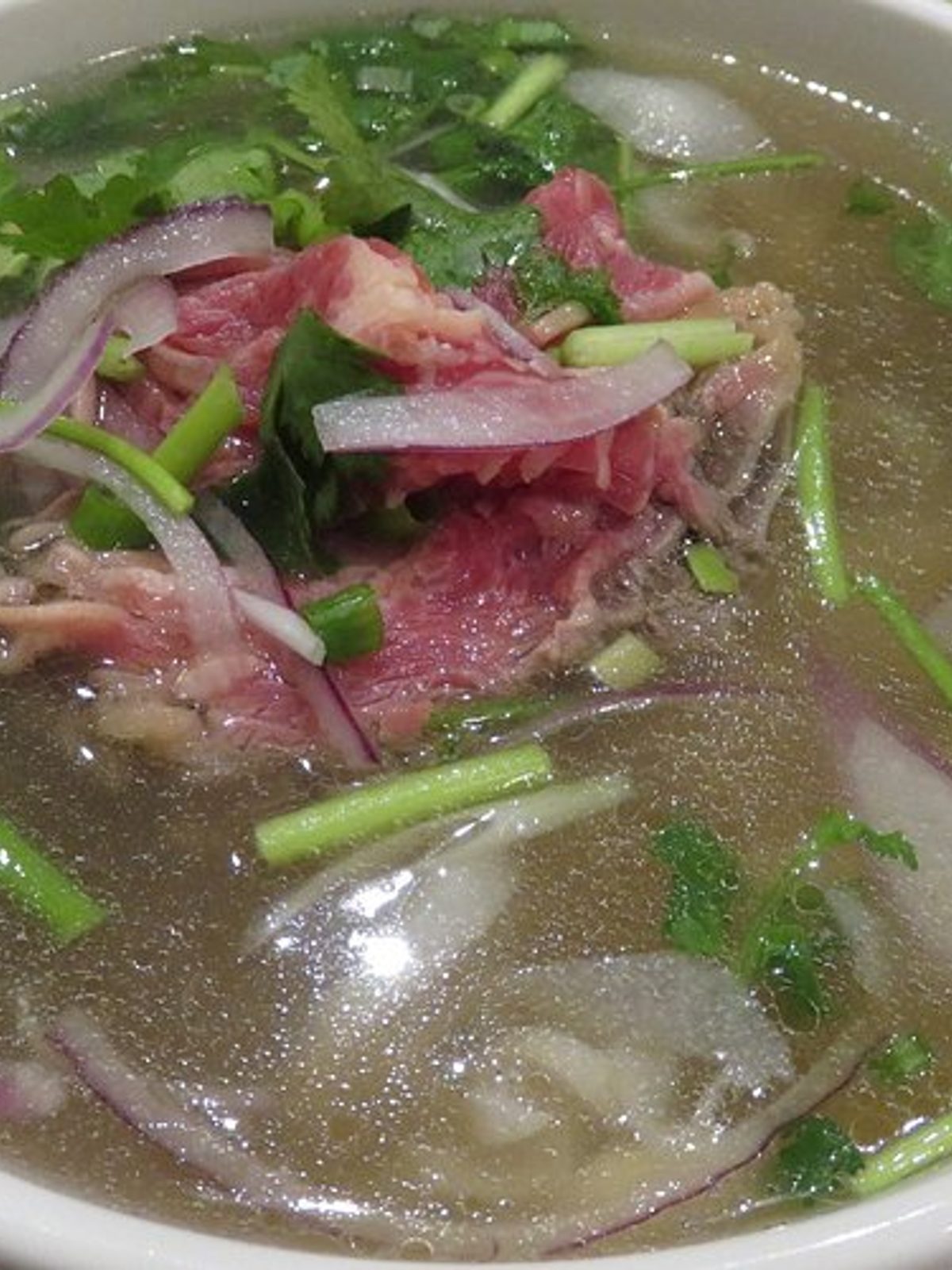
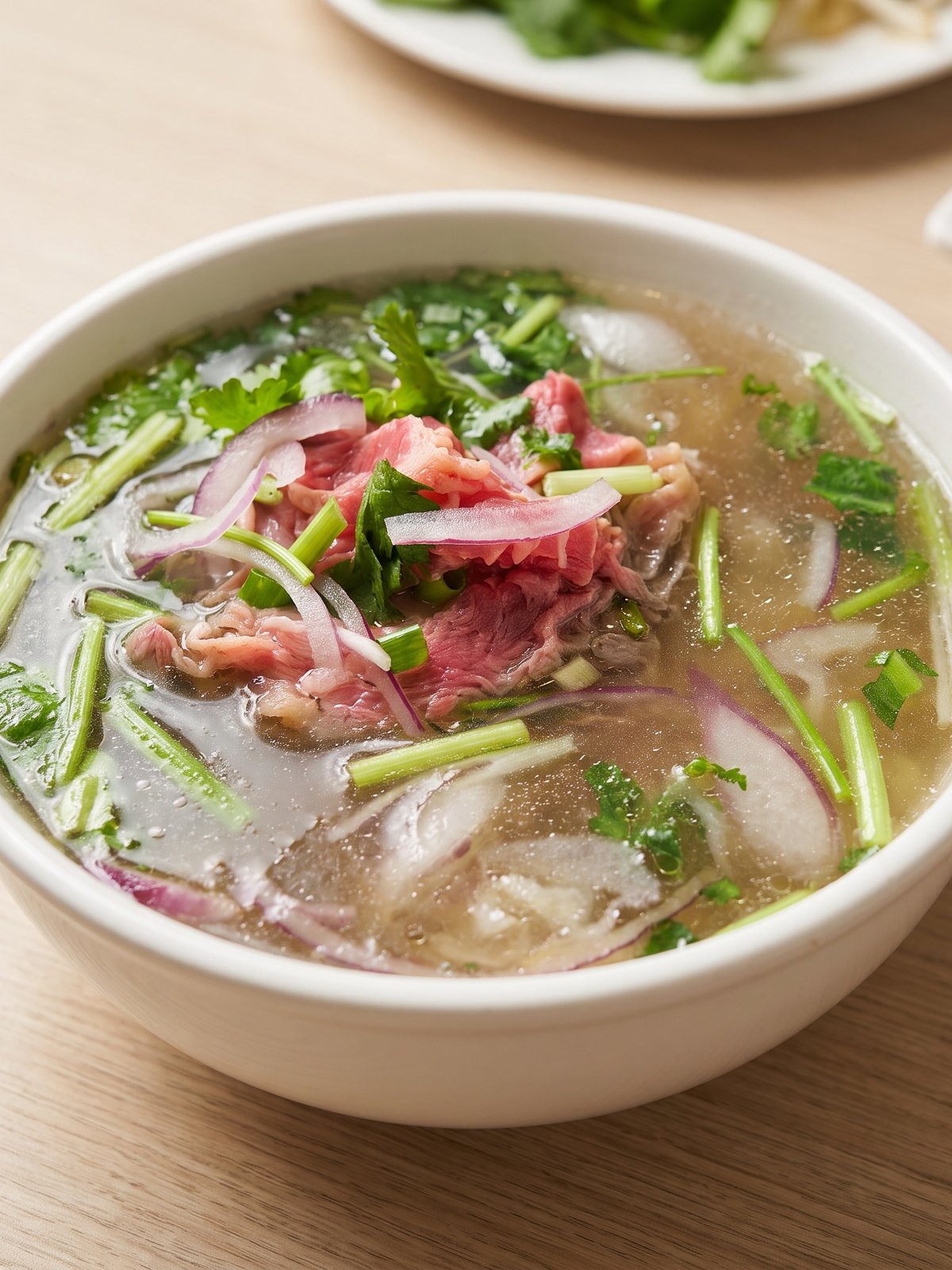
Pho is a deep, dark bowl, and that depth is what makes it tricky to photograph. The broth swallows light, so a phone shot turns the whole bowl muddy and you lose the gloss on the surface that signals a rich, hot broth. The toppings that make pho appealing — pink slices of beef, bright herbs, white noodles, scallion and chilli — sink into shadow and lose their colour. PlateRefresh relights your actual bowl so the broth surface catches a clean highlight and reads glossy and steaming, while the toppings regain their colour and definition. It never adds herbs, an extra slice of beef, or fake steam — every garnish in the photo is one you ladled in.
Broth that reads hot and glossy
A great pho photo lives on the surface of the broth. Flat light makes it look like a dark, cold puddle. PlateRefresh places a soft, directional highlight across the broth so it gleams the way a hot bowl does, and warms the colour to that rich amber-brown of a long-simmered stock. The fill level and the broth you served are untouched — the model only lights the liquid that is in the bowl.
Herbs, beef and noodles in full colour
Toppings are the appeal, and they need separation. In the original phone shot the basil, scallion, beef slices and noodles all blur into the dark broth. The relight lifts each element: green herbs stay vivid, beef reads pink and tender, noodles stay clean white. Nothing is rearranged or added — your arrangement and portion are kept exactly, just lit so each topping is legible in a thumbnail.
Standing out in the noodle category
Pho competes with ramen, curries and other soups on Wolt, Bolt Food and Uber Eats, and a clear, steaming bowl with vivid toppings is far more clickable than a dark one. Photograph your bowl from above on a phone, upload, and PlateRefresh returns a clean 3:4 menu image in around thirty seconds — turning a notoriously hard-to-shoot dish into a listing that sells.
Phone in, menu shot out.
Snap it
Take a phone photo of the real dish — straight off the pass.
Relight & refine
We relight and lightly enhance the food you actually cooked — sharper texture, fresher look. Nothing added, nothing faked.
Ship it
Download in ~30 seconds and upload it to your menu.
Good to know.
Pho is so dark it always looks muddy. Can the AI fix that?
Yes. The muddy look comes from the broth absorbing flat light. PlateRefresh adds a directional highlight across the broth surface and lifts the toppings, so the same bowl reads glossy, hot and full of colour instead of dark and flat.
Will it add extra herbs or beef to make the bowl look fuller?
No. Every topping in the final image is one you actually plated. PlateRefresh relights and defines the herbs, beef and noodles already in the bowl but never adds garnish, so the photo matches the pho a customer receives.
Can it show steam coming off the bowl?
It will not fabricate steam that was not there, because nothing is added to the dish. Instead it makes the broth read hot through gloss and warm colour, which signals a steaming bowl honestly rather than with fake effects.
Does the relight work shooting from above?
Yes. A top-down or three-quarter angle works well for pho since it shows the full spread of toppings. The AI lights whatever angle you uploaded and returns a clean, menu-ready crop.
Your next menu photo is one shot away.
No subscription to start. Test Mode is a one-time $9.99 — relight your real dishes and see them on your menu today.
Start for $9.99