Wolt photo requirements
What Wolt actually accepts on a menu tile, why photos get declined, and how to pass review on the first upload.
Wolt reviews every merchant-submitted menu image against its photo guidelines before it goes live. The published checklist is about framing and honesty rather than exact pixel counts: horizontal orientation, one whole dish per photo, nothing on the image except the food. The specs below are from Wolt's merchant Learning Center; where Wolt doesn't publish a number, we say so instead of guessing.
Image specs
| Orientation / aspect ratio | Horizontal, 16:9Vertical photos are rejected. |
| Minimum resolution | Not publicly specifiedWolt asks for 'clear, high-quality' images — 1200 px+ on the long edge is a safe working floor. |
| File format / max size | Not publicly specifiedJPEG exports from any phone pass; up to 5 images can be attached per item. |
| Dishes per photo | Exactly oneCollages and multi-dish photos are declined. |
| Review | Every image is reviewed against Wolt's guidelines before publishing |
Content rules
- Center the food and show the entire dish — no cropped edges.
- Food only: no people anywhere in the frame.
- No graphics, text, borders, watermarks or logos on the image.
- Bright, natural-looking light; sharp focus.
- The photo must match the actual item and a realistic portion size.
- No AI-generated images — the dish in the photo must be a real photograph of the item you sell.
Common rejection reasons and the fix.
Vertical (portrait) photo
Rotate the phone and reshoot horizontal — Wolt explicitly asks for 16:9.
Dish cropped at the frame edge
Step back and keep the whole plate in frame with a margin on every side.
Text, logo or watermark on the image
Upload the clean photo. Branding belongs in your venue profile, not on the tile.
Blurry or dark
Shoot near a window, hold still, and never digital-zoom. Wolt's reviewers flag low quality fast.
Multiple items in one photo
One item, one photo — shoot each menu line separately.
Photo doesn't match the item
Photograph the real dish at the portion you serve. Stock photos and borrowed images fail review.
The lighting problem, solved.
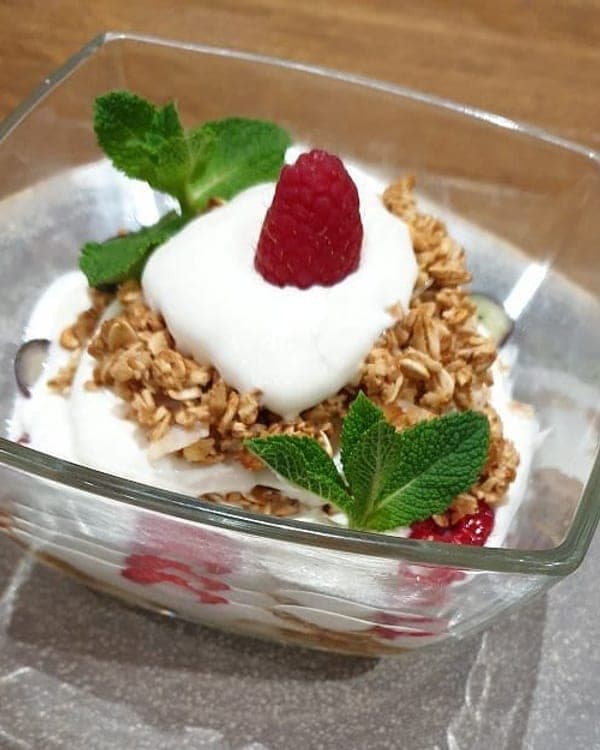
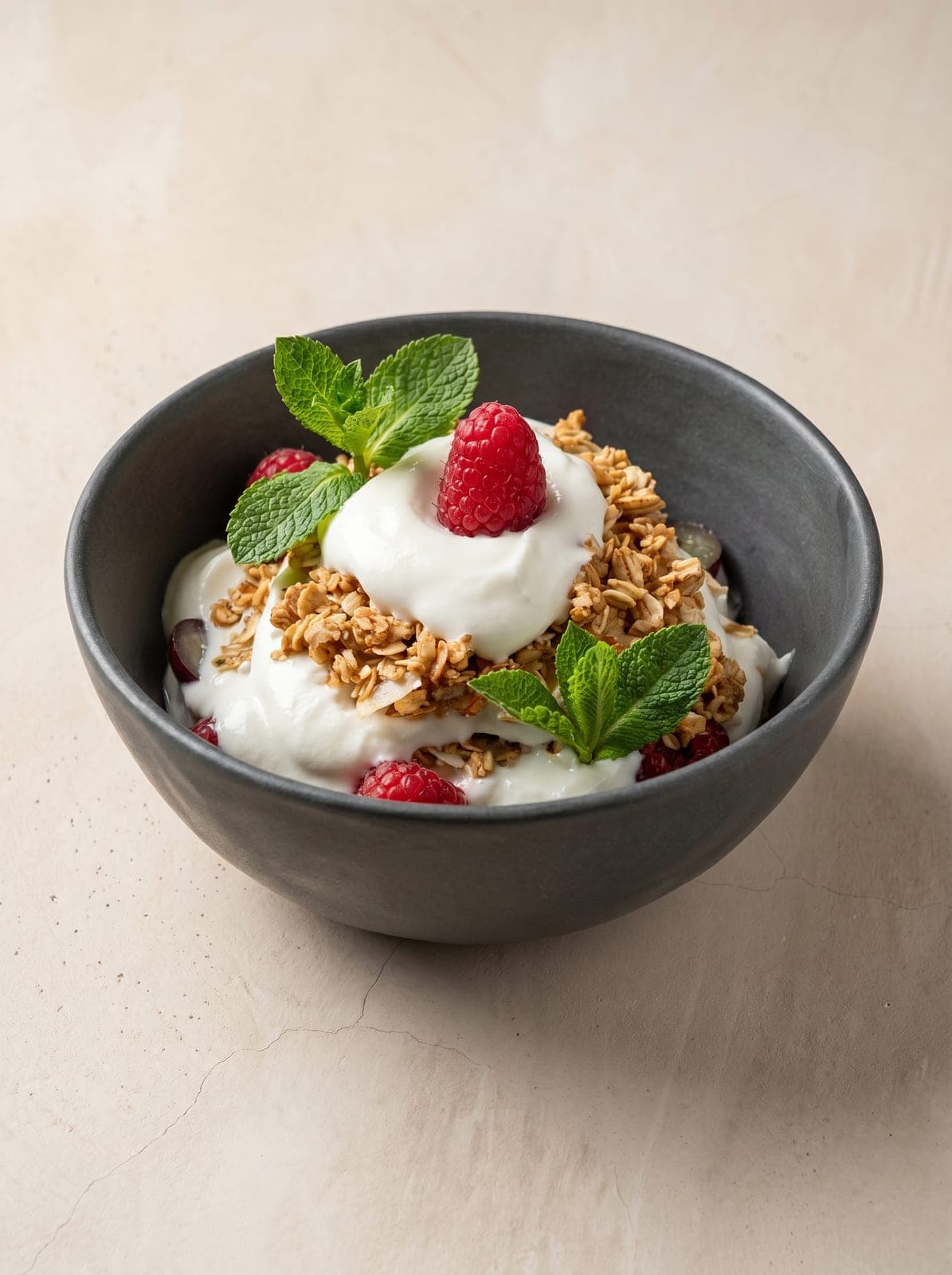
Most rejections above are photography problems — light, colour, clutter. PlateRefresh relights the phone photo you already took to studio quality: same dish, same plating, nothing invented, sized well above every platform's minimum.
Straight answers.
What resolution does Wolt require for menu photos?
Wolt doesn't publish an exact minimum. Its guidelines ask for clear, sharp, well-lit horizontal (16:9) images. In practice a modern phone photo at full resolution — 1200 px or more on the long edge — passes; screenshots and messenger-compressed copies often don't.
Why was my Wolt photo rejected?
The usual causes: vertical orientation, the dish cropped at the edges, text or logos on the image, more than one item in the frame, blur, or a photo that doesn't match the menu item. Wolt reviews every image against its published checklist.
Does Wolt allow AI-enhanced photos?
Wolt's checklist excludes AI-generated images — pictures of food that never existed. Enhancing a real photograph is a different thing: Wolt's own merchant photo tool includes an 'Improve with AI' option. Keep the dish real and true to portion; that's the line that matters.
How many photos can I add per item on Wolt?
Up to 5 images per menu item through the Merchant Portal — the first one is the tile customers see in the list.
Sources — official platform documentation
Specs checked July 2026. Platforms change their guidelines — the linked official pages are always authoritative.
Pass review on the first upload.
Test Mode is a one-time $9.99 — relight a real dish photo to platform-ready quality and judge it yourself. No subscription.
Start for $9.99