DoorDash photo requirements
DoorDash publishes both its specs and its rejection categories. Here's the full list, and what to change when a photo bounces.
DoorDash reviews merchant photos within about one business day and — unusually — tells you the exact rejection category in Menu Manager and by email. Its published spec asks for landscape images at 1400 × 800 px or better, and its rejection taxonomy (blurry, colour issue, unappetizing, people in shot, mismatch, duplicate) maps cleanly onto fixes you can make in one reshoot.
Image specs
| Minimum resolution | 1400 × 800 pxPhotos below this may be rejected. |
| Orientation / aspect ratio | Horizontal (landscape), 16:9Rotate the phone sideways before shooting. |
| Max file size | 16 MB |
| Review time | Typically within 1 business dayA clock icon shows in Menu Manager while a photo is under review. |
| Duplicates | Not allowedThe same photo can't be used on two menu items. |
Content rules
- A real photo of the actual item, fully visible and clearly the subject.
- No faces — hands and arms only if actively holding the item.
- Natural, accurate colour; nothing that misrepresents the dish.
- Food presented complete and appetising — no partially-eaten dishes, mess, or visible plastic cutlery.
- The image must match the menu item it's attached to, with no extra items in frame.
Common rejection reasons and the fix.
Blurry
The main item must be in focus (a soft background is fine). Reshoot steady, no digital zoom.
Colour issue
Unnatural colour casts from kitchen bulbs get flagged — shoot in daylight or correct the white balance.
Unappetizing
Wipe the plate, restage the dish, remove plastic utensils. Shoot the food fresh, not after service.
People in shot
Faces are never allowed; crop or reshoot. Hands only when holding the item.
Mismatch / non-item photo
The image must show exactly the menu item it's attached to — nothing else.
Duplicate
Each menu line needs its own photo — shoot every item, don't recycle one hero shot.
The lighting problem, solved.
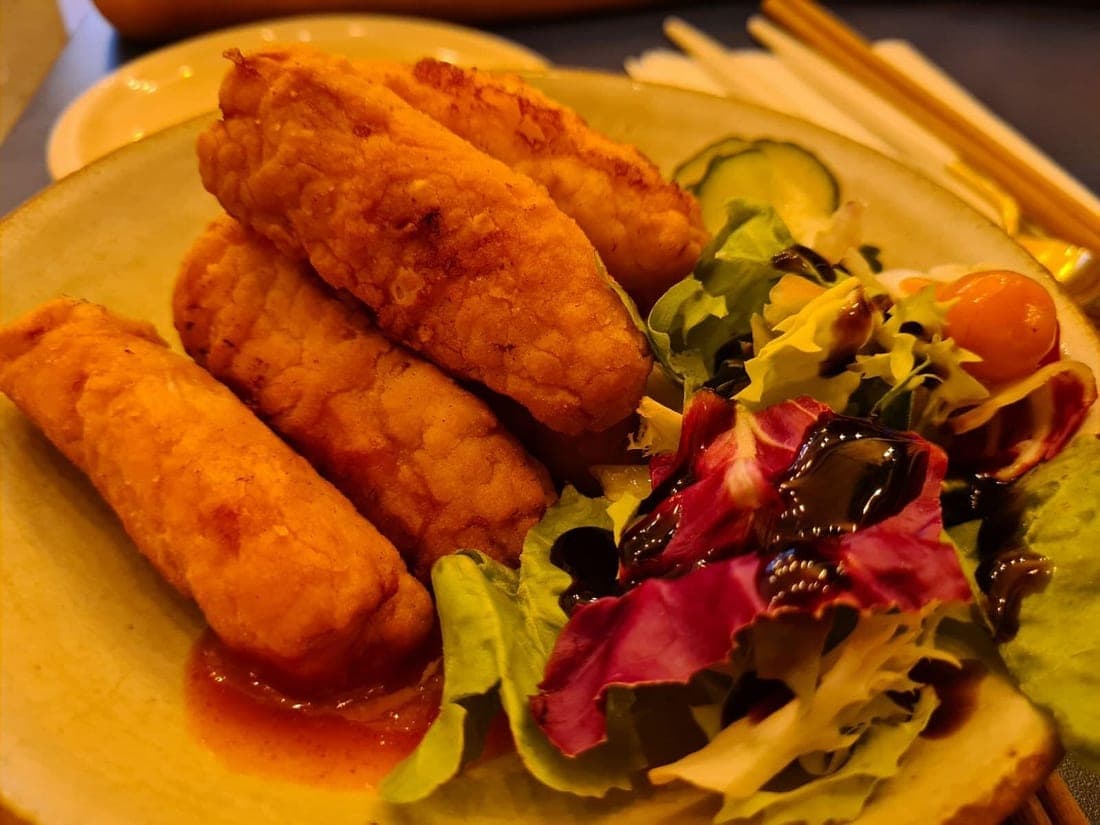
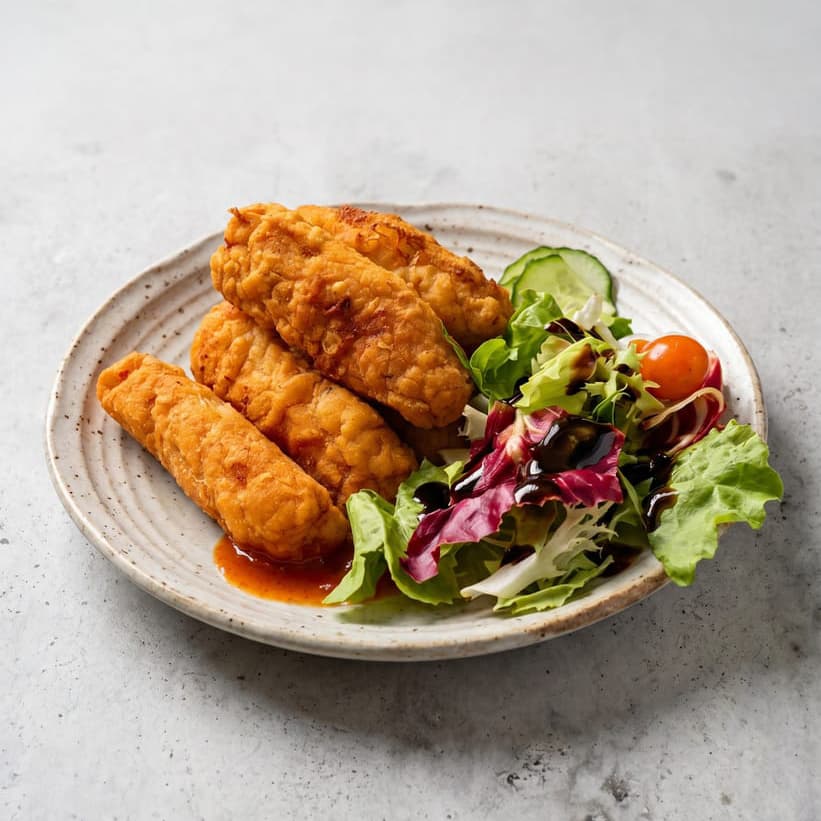
Most rejections above are photography problems — light, colour, clutter. PlateRefresh relights the phone photo you already took to studio quality: same dish, same plating, nothing invented, sized well above every platform's minimum.
Straight answers.
What resolution does DoorDash require?
At least 1400 × 800 pixels, horizontal (16:9), under 16 MB. Photos below the minimum may be rejected automatically.
How long does DoorDash photo review take?
Typically within one business day. You'll see a clock icon in Menu Manager while review is pending, and rejections arrive with a stated reason by email and in the portal.
Why did DoorDash reject my photo as 'unappetizing'?
That category covers partially-eaten food, messy plating, visible plastic utensils, and generally unappealing presentation. Restage the dish as it's served, clean the plate rim, and shoot it fresh.
Can the same photo be used for two DoorDash items?
No — DoorDash rejects duplicates. Every menu item needs its own photo, which is exactly the situation where per-photo cost matters.
Sources — official platform documentation
- DoorDash Learning Center — What are DoorDash photo requirements?
- DoorDash Help — Why your menu photos were rejected
- DoorDash Learning Center — How to add photos to your menu
Specs checked July 2026. Platforms change their guidelines — the linked official pages are always authoritative.
Pass review on the first upload.
Test Mode is a one-time $9.99 — relight a real dish photo to platform-ready quality and judge it yourself. No subscription.
Start for $9.99