Uber Eats photo requirements
Uber Eats publishes the most precise photo spec of any delivery platform. Here it is in one table, with the rejection reasons that actually trip restaurants up.
Uber Eats reviews merchant-submitted photos against published guidelines and typically turns a review around within three business days. Unlike most platforms it publishes hard numbers — dimension ranges, aspect-ratio bounds, formats and file caps — so there's no excuse for a technical rejection. The content rules are equally firm: one real item, centred, with rights to the image.
Image specs
| Dimensions (item photos) | 550–10,000 px wide · 440–10,000 px tallRecommended at least 1200 × 800 px. |
| Aspect ratio | 5:4 to 6:4 (landscape) |
| File formats | JPG, PNG, GIF |
| Max file size | 10 MB |
| Cover photo | 2880 × 2304 px (5:4), JPEG |
| Review time | Up to 3 business days |
Content rules
- The photo must accurately represent a single item from your menu.
- Item centred and fully in frame — nothing cut off at corners or edges.
- No stock photos and no images you don't own the rights to.
- No text, logos or promotional overlays on the image.
- Sharp and well-lit — blurry or dim photos are declined.
Common rejection reasons and the fix.
Aspect ratio outside 5:4–6:4
Crop to landscape ~5:4 before uploading; don't submit tall phone photos uncropped.
Below minimum dimensions
Use the full-resolution original. Anything from a modern phone camera exceeds 1200 × 800 px unless it was screenshotted or recompressed.
Multiple items in one photo
One menu item per photo — shoot combos as they're sold, not as a table spread.
Stock photo detected
Photograph your real dish. Uber Eats explicitly refuses stock and search-engine images.
Text or logo overlaid
Upload the clean image; branding lives in your store profile.
Blurry or poorly lit
Daylight, steady hands, no digital zoom — then let a relight fix the rest.
The lighting problem, solved.
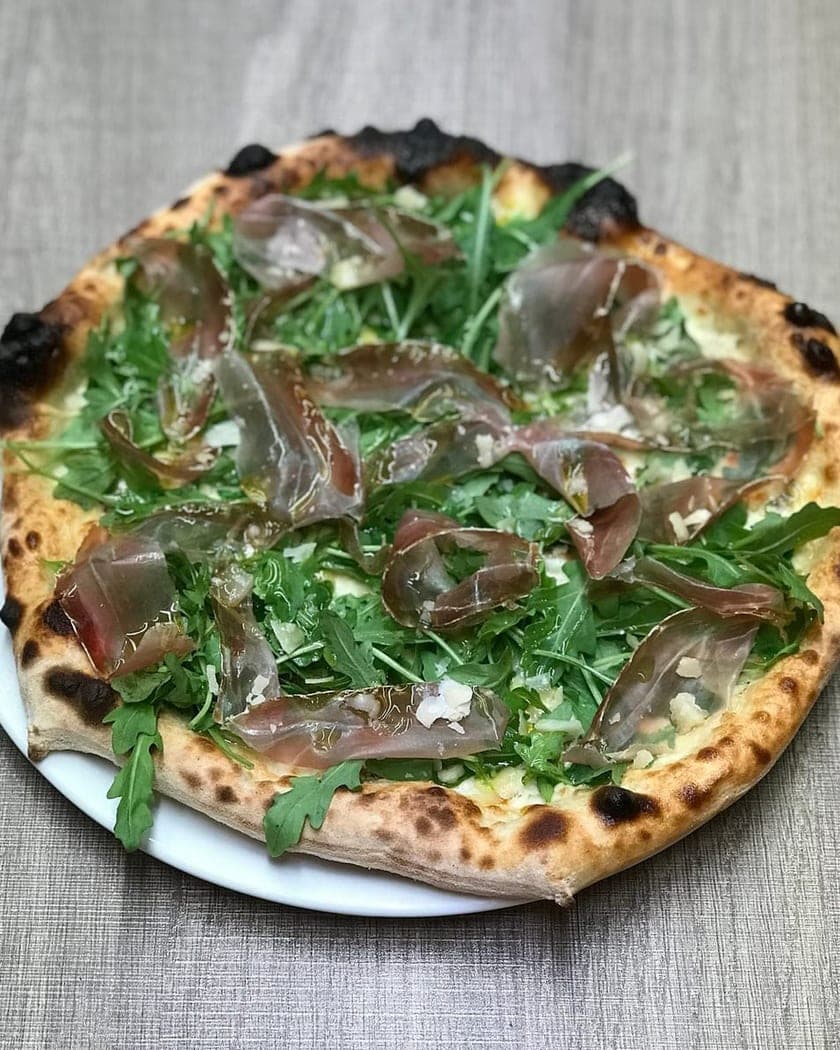
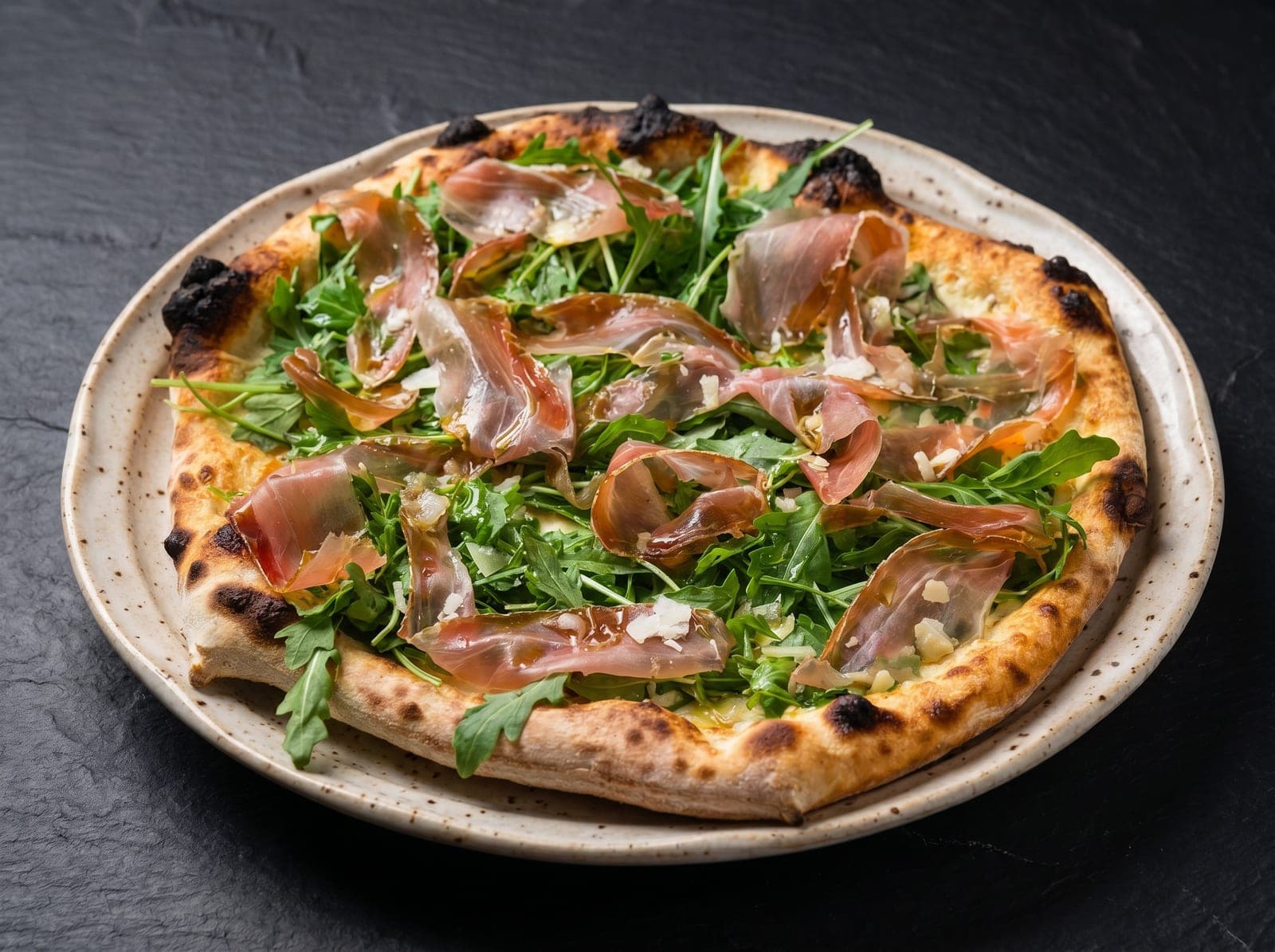
Most rejections above are photography problems — light, colour, clutter. PlateRefresh relights the phone photo you already took to studio quality: same dish, same plating, nothing invented, sized well above every platform's minimum.
Straight answers.
What size do Uber Eats menu photos need to be?
Between 550 and 10,000 px wide and 440 and 10,000 px tall, with a 5:4 to 6:4 landscape aspect ratio. Uber recommends at least 1200 × 800 px. JPG, PNG or GIF up to 10 MB.
How long does Uber Eats photo review take?
Up to three business days for merchant-submitted photos. Technical failures (size, ratio, format) bounce fastest — fix those before upload and review usually clears in one pass.
Does Uber Eats allow stock photos?
No. The guidelines require photos that accurately represent your actual menu item, and you must own or have rights to the image. Stock photos from search engines or stock sites are rejected.
Can I use an AI-enhanced photo on Uber Eats?
The photo must accurately represent the real item you sell — that's the operative rule. Enhancing the lighting of a genuine photo of your dish keeps the image accurate; generating food that doesn't exist or changing portions does not.
Sources — official platform documentation
- Uber Help — Merchant-submitted menu catalog photo guidelines
- Uber Help — Store-submitted menu photo guidelines
- Uber Eats — Restaurant menu photography guidelines
Specs checked July 2026. Platforms change their guidelines — the linked official pages are always authoritative.
Pass review on the first upload.
Test Mode is a one-time $9.99 — relight a real dish photo to platform-ready quality and judge it yourself. No subscription.
Start for $9.99