Bolt Food photo requirements
The photo rules in Bolt Food's partner guidelines, what the upload validator blocks, and how to get a whole menu live without a bounce.
Bolt Food's partner guidelines focus on honest, high-resolution photos of the actual item sold. The Partner Portal's uploader enforces a technical floor, and the published guide adds content rules about portions, framing and overlays. Bolt also publishes its own food-photography advice — the 45° angle it recommends is the same one working food photographers default to.
Image specs
| Max file size | 6 MBStated in Bolt's help-center article on menu editing. |
| Minimum resolution | ≈ 720 × 540 px (reported)Enforced by the Partner Portal upload validator; Bolt's public guide just says 'high-resolution'. Aim well above this. |
| Orientation | Landscape recommendedTiles render small on phones — single dish, filling the frame, reads best. |
| Dishes per photo | OneBolt recommends highlighting a single dish so it stays legible at mobile size. |
Content rules
- Show the food that is actually sold — same portion the customer will get.
- No added text, inscriptions or logo overlays on item photos.
- One dish per photo; keep it centred and fully visible.
- High resolution, sharp, well-lit — check the image at mobile size before uploading.
- No styling that changes portion or ingredient expectations.
Common rejection reasons and the fix.
File too large (over 6 MB)
Export a JPEG — a phone photo saved as JPEG is comfortably under the cap at full quality.
Resolution too low / file blocked by the uploader
Use the original camera-roll photo, not a screenshot or a re-sent messenger copy.
Text or logo on the image
Remove overlays entirely — Bolt's guide asks for the food to be the only focus.
Portion in the photo doesn't match what's delivered
Photograph the real serving. Inflated portions generate refund disputes as well as rejections.
Dark, orange kitchen-light photos
Move the plate to daylight or a window. Colour casts read as unappetising at tile size.
The lighting problem, solved.
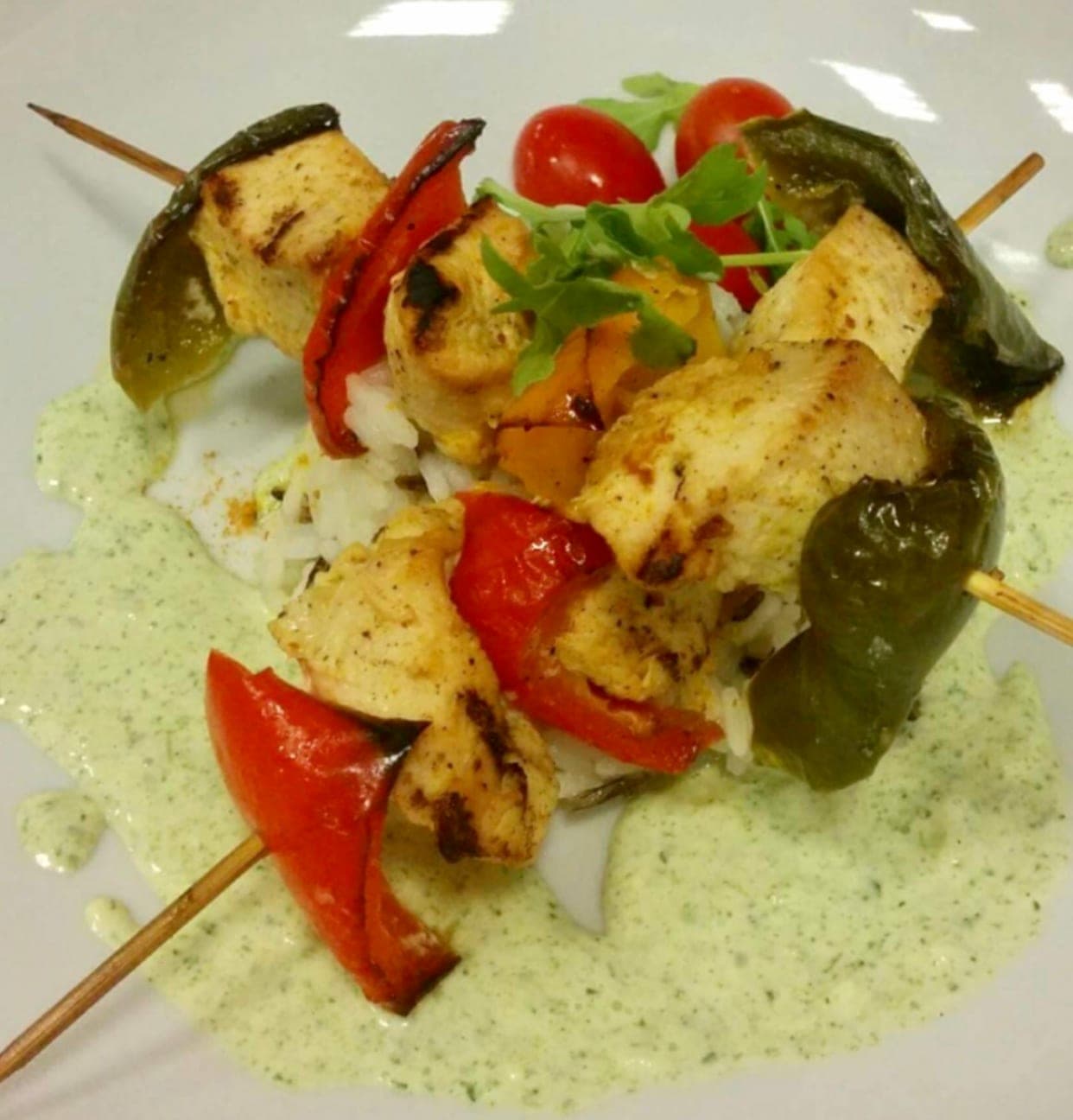
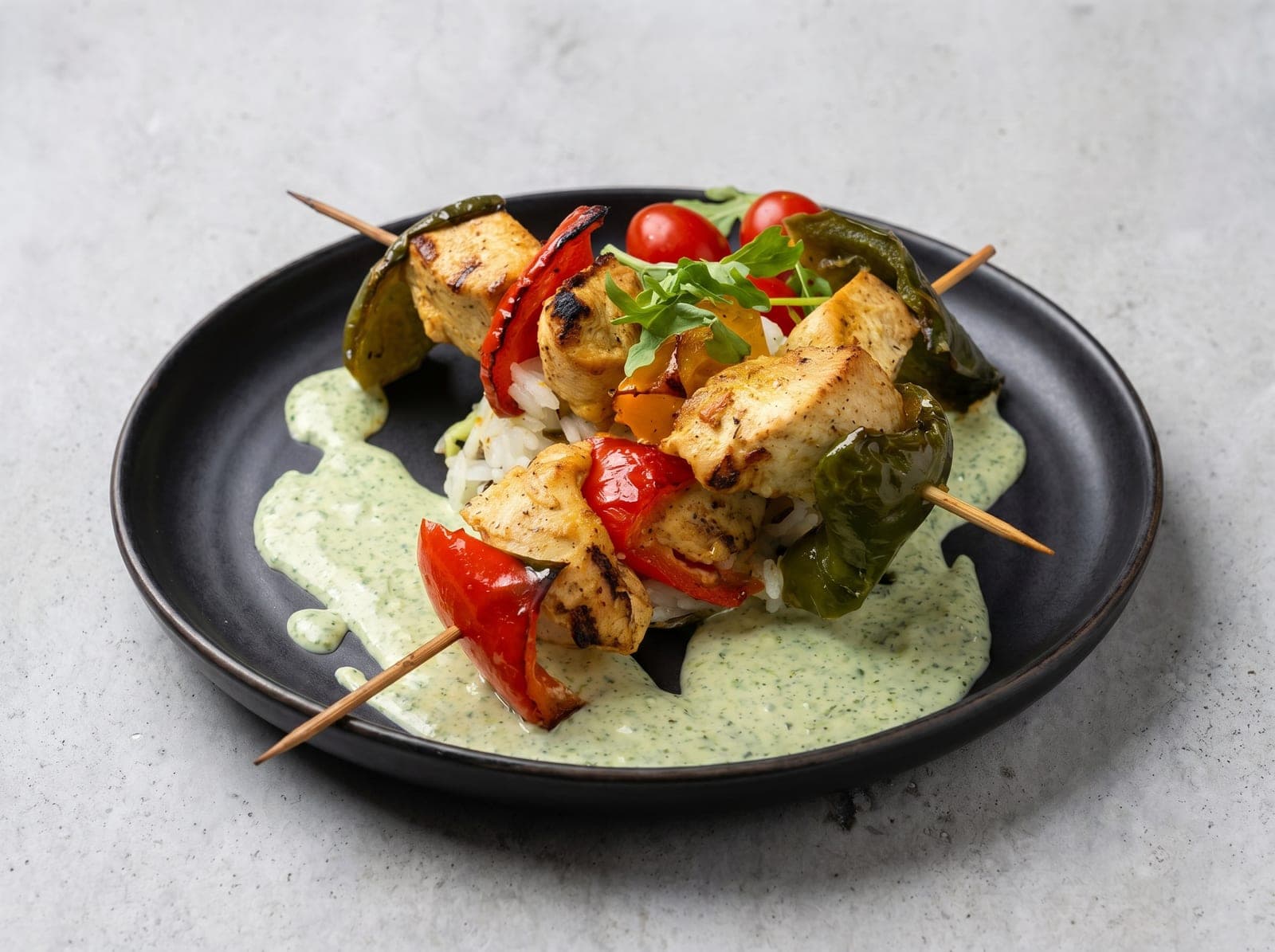
Most rejections above are photography problems — light, colour, clutter. PlateRefresh relights the phone photo you already took to studio quality: same dish, same plating, nothing invented, sized well above every platform's minimum.
Straight answers.
What image size does Bolt Food require?
The official cap is a 6 MB file. The Partner Portal's uploader is reported to block images below roughly 720 × 540 px, but Bolt's public guide simply asks for high-resolution photos — a full-size phone photo clears both easily.
What angle does Bolt recommend for food photos?
Bolt's own photography guide recommends the 45° angle — roughly how you see a plate when seated — because it shows the dish from multiple sides and feels natural. Top-down works for flat dishes like pizza and bowls.
Can I put my logo on Bolt Food menu photos?
Don't. Bolt's guidelines want the food as the only focus of item photos; overlays, inscriptions and logos are the fastest route to a declined image.
Why does my Bolt Food photo look worse in the app than on my phone?
Tiles are small and compressed. Low-contrast, dimly-lit photos lose the most in that pipeline — which is why Bolt tells partners to review images at mobile size. Bright, evenly lit photos survive compression best.
Sources — official platform documentation
- Bolt Food — Photo Guidelines (partner portal)
- Bolt Support — Editing your menu
- Bolt Blog — Food photography tips for restaurants
Specs checked July 2026. Platforms change their guidelines — the linked official pages are always authoritative.
Pass review on the first upload.
Test Mode is a one-time $9.99 — relight a real dish photo to platform-ready quality and judge it yourself. No subscription.
Start for $9.99