Glovo photo requirements
Glovo wants square product photos with a clean background — here are the exact specs from the partner guide and the mistakes that get images declined.
Glovo is the most prescriptive of the European platforms: its partner guide asks for square product images at a fixed size, in JPG, under a tight file-size cap, on a clean background. That uniformity is deliberate — Glovo renders menus as a grid of square tiles, so photos that ignore the spec get cropped unpredictably or bounced.
Image specs
| Dimensions / aspect ratio | 1000 × 1000 px, square (1:1)From Glovo's partner picture guide. |
| File format | JPGMenu-integration APIs also accept PNG/WEBP/TIFF, but the partner guide asks for JPG. |
| Max file size | Under 1 MB |
| Background | Clean, ideally monochromaticNothing that distracts from the dish. |
| Dishes per photo | One, centred and fully visible |
Content rules
- No text, watermarks, logos or promotional elements on the image.
- No hands or body parts in the frame.
- Product centred, fully visible, not cropped.
- Clean background that doesn't compete with the food.
- For wraps, sandwiches and filled items: show the interior/ingredients.
- Sharp and well-lit — no pixelation or blur.
Common rejection reasons and the fix.
Wrong shape — landscape or portrait instead of square
Crop to 1:1 at 1000 × 1000 px before uploading; leave margin around the dish when you shoot so the square crop doesn't amputate it.
File over 1 MB
Export as JPG at 80–90% quality — 1000 px square lands well under 1 MB.
Busy background
Shoot on one clean surface. Glovo explicitly prefers a monochromatic backdrop.
Hands holding the dish
Set the plate down. Glovo excludes body parts entirely.
Closed sandwich/wrap with no visible filling
Cut it and face the cross-section to the camera — Glovo asks to show the interior.
Promotional text baked into the image
Remove it. Discounts and claims live in the listing, never on the photo.
The lighting problem, solved.
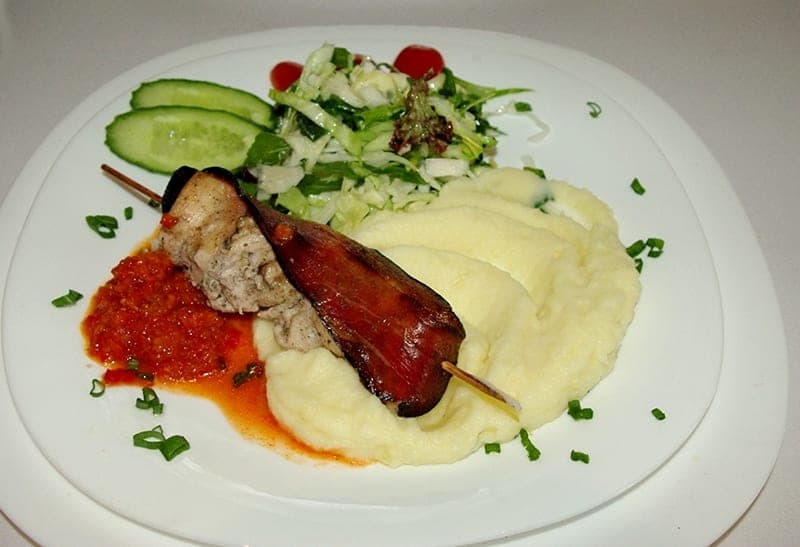
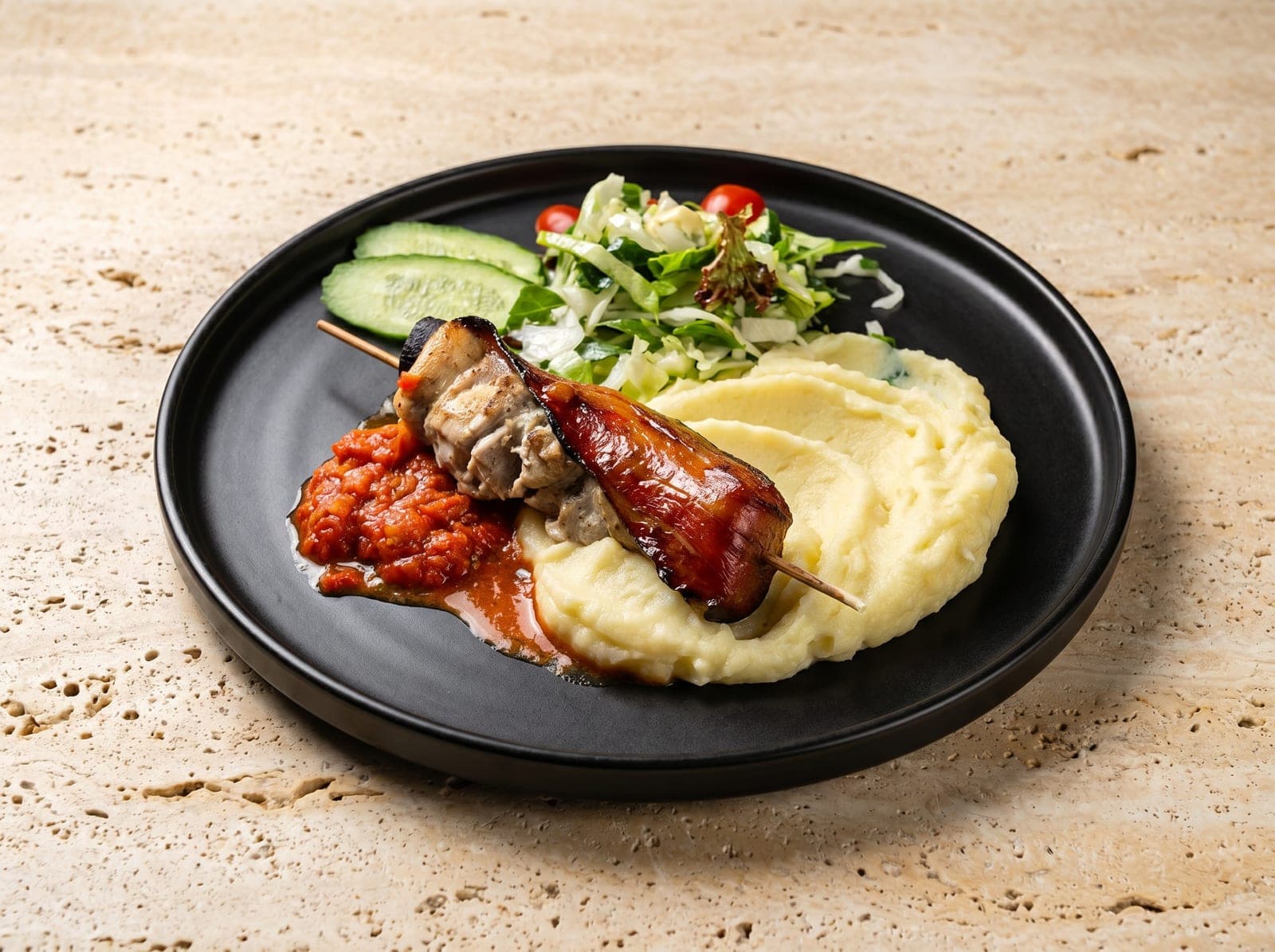
Most rejections above are photography problems — light, colour, clutter. PlateRefresh relights the phone photo you already took to studio quality: same dish, same plating, nothing invented, sized well above every platform's minimum.
Straight answers.
What size should Glovo menu photos be?
1000 × 1000 pixels, square (1:1), as a JPG under 1 MB — that's the spec in Glovo's partner picture guide. Shoot wider and crop, rather than shooting tight and hoping.
Does Glovo require a white background?
Not strictly white — the guide asks for a clean, ideally monochromatic background that doesn't distract from the product. A single clean surface works; a cluttered counter doesn't.
Why did Glovo reject my sandwich photo?
A common Glovo-specific reason: closed items. For wraps, sandwiches and empanadas the guide asks you to display the ingredients — cut the item and show the interior.
Can I reuse my Wolt or Bolt photos on Glovo?
The dish photo, yes — but recrop it. Wolt wants horizontal 16:9 and Glovo wants a 1:1 square, so a straight re-upload usually gets cropped badly or declined. Keep an uncropped master and export per platform.
Sources — official platform documentation
- Glovo Partners — A guide to taking high-quality pictures (PDF)
- Glovo Partners — How to master stunning food photos
Specs checked July 2026. Platforms change their guidelines — the linked official pages are always authoritative.
Pass review on the first upload.
Test Mode is a one-time $9.99 — relight a real dish photo to platform-ready quality and judge it yourself. No subscription.
Start for $9.99