July 7, 2026
Why your Wolt photos get rejected (and how to fix each reason)
You upload a dish photo, wait a day, and Wolt sends it back. It happens to almost every restaurant at least once — and the reason is nearly always one of a short list.
Wolt reviews every menu image before it goes live, and the review is stricter than most restaurants expect. The good news: rejections are predictable. Once you know what the reviewers check, you can get a whole menu approved on the first pass.
The usual rejection reasons
Across the restaurants we work with, the same handful of problems account for nearly every declined photo:
- Too small or too blurry — the image doesn't meet the platform's minimum resolution, or it was cropped so hard the dish went soft.
- Text, logos or watermarks on the image — anything overlaid on the photo (including a phone camera's timestamp) is an automatic decline.
- Collages or multiple dishes in one frame — one item, one photo. A photo of the whole table can't be used for a single menu line.
- The photo doesn't match the item — a stock photo, another restaurant's dish, or a photo of a different portion than the one you sell.
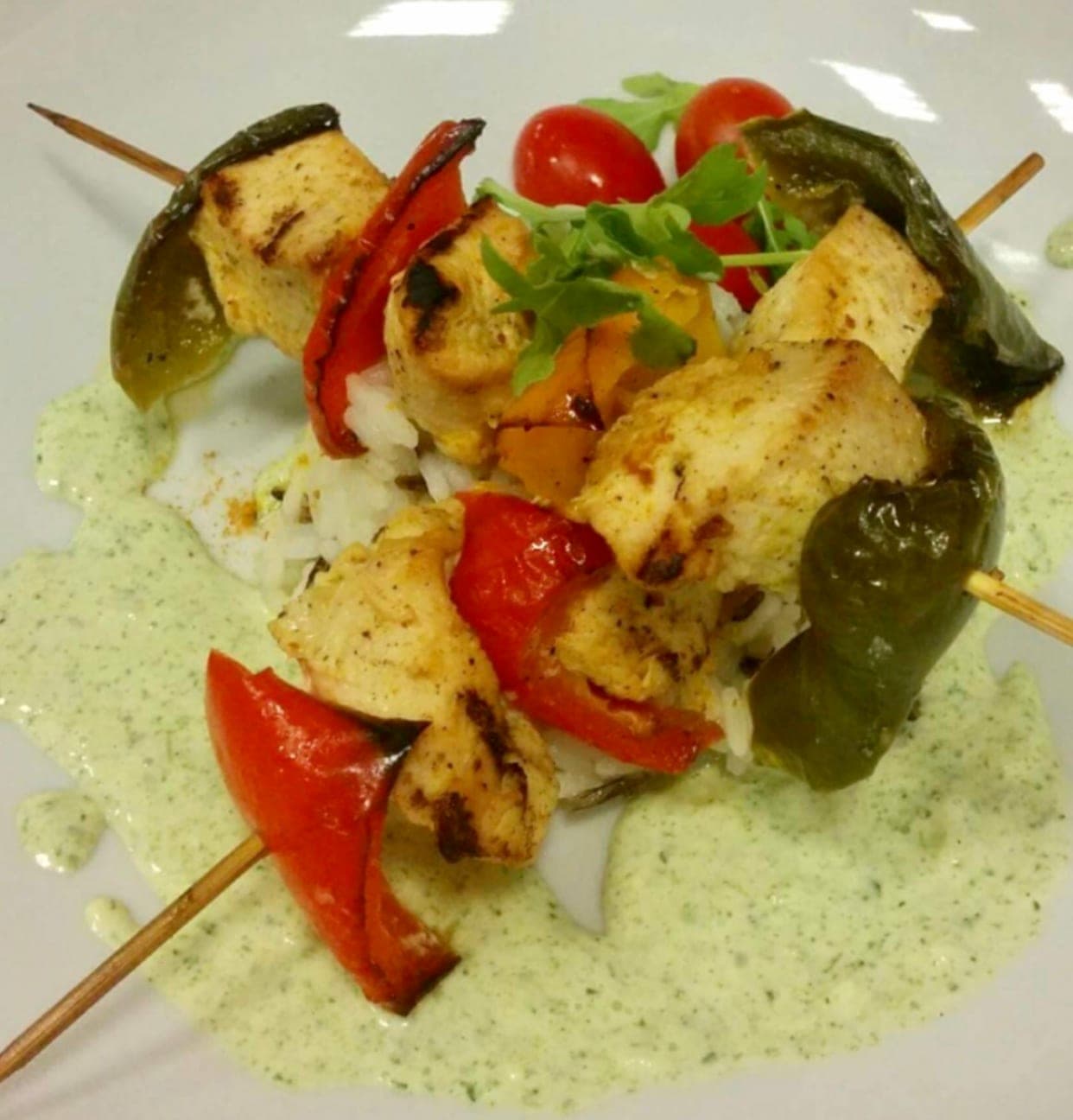
- Poor lighting — dishes shot in a dark kitchen corner, under orange heat lamps, or with harsh phone flash read as unappetising and get flagged.
- Messy framing — visible hands, cluttered background, dirty plate edges, or the dish cut off at the frame.
Fix it once, at the source
Most of these are photography problems, not menu problems. Shoot each dish alone, fill the frame, wipe the plate, and photograph near a window rather than under kitchen lights. Never add text or a logo to the image file itself — your branding belongs in your Wolt profile, not on the photo.
Resolution is the one thing you can't fix after the fact. Start from your phone's full-size photo, not a screenshot or a compressed messenger copy — a re-saved WhatsApp image is often below the acceptable threshold before you even crop.
Where PlateRefresh fits
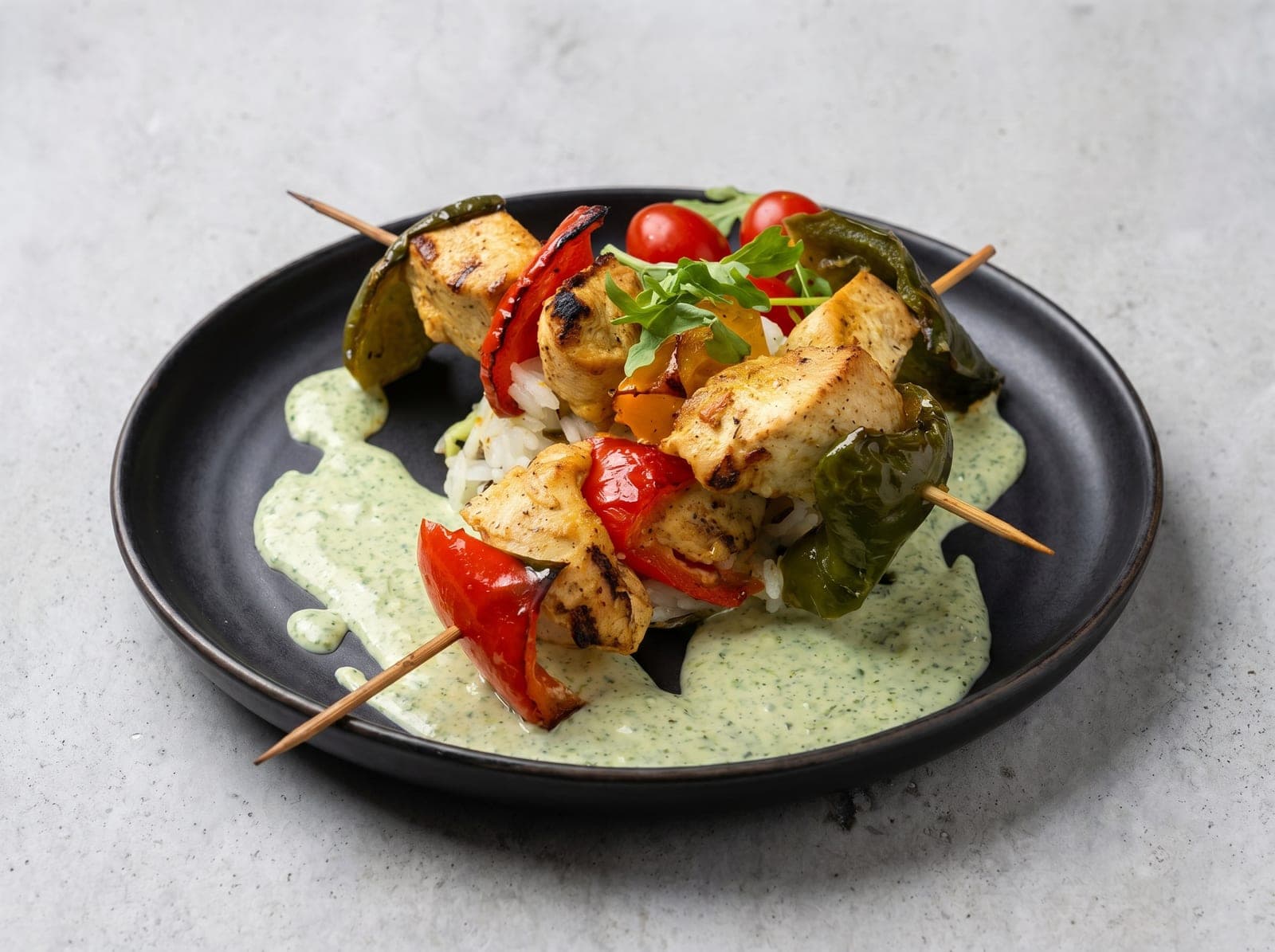
PlateRefresh takes the phone photo you already shot and relights it to studio quality — same dish, same plating, no invented food — and returns a clean, high-resolution image sized for menu use. Lighting, background clutter and dull colour are exactly the categories it fixes, which is most of the rejection list above.
It won't (and shouldn't) fake a dish you didn't cook: platforms decline photos that misrepresent the item, and honest photos are the whole point. Shoot the real plate; let the relight do the studio work.